Clinical laboratory
Connect orders, specimens and results. Check processing and approval status before delivery.
Follow the specimen
 Sign inالعربيةGet a free month
One platform for healthcare operations
Run clinics, labs and imaging on one platform. Every booking, consultation, test and report stays in the same patient record, so the whole team can see the patient’s progress.
 Arabic interfaceClinics, labs and imagingOne patient record

 Done
 Done

 In progress

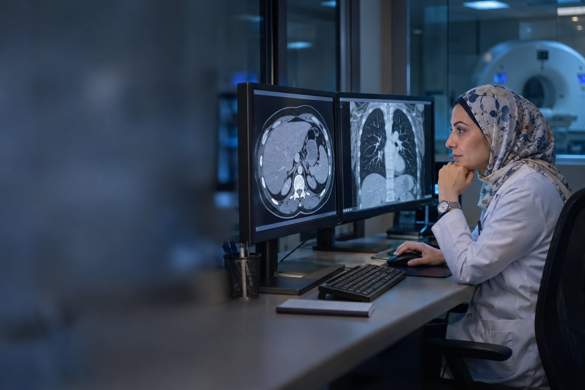
Explore the workflows for imaging, labs, pathology and specialty clinics.
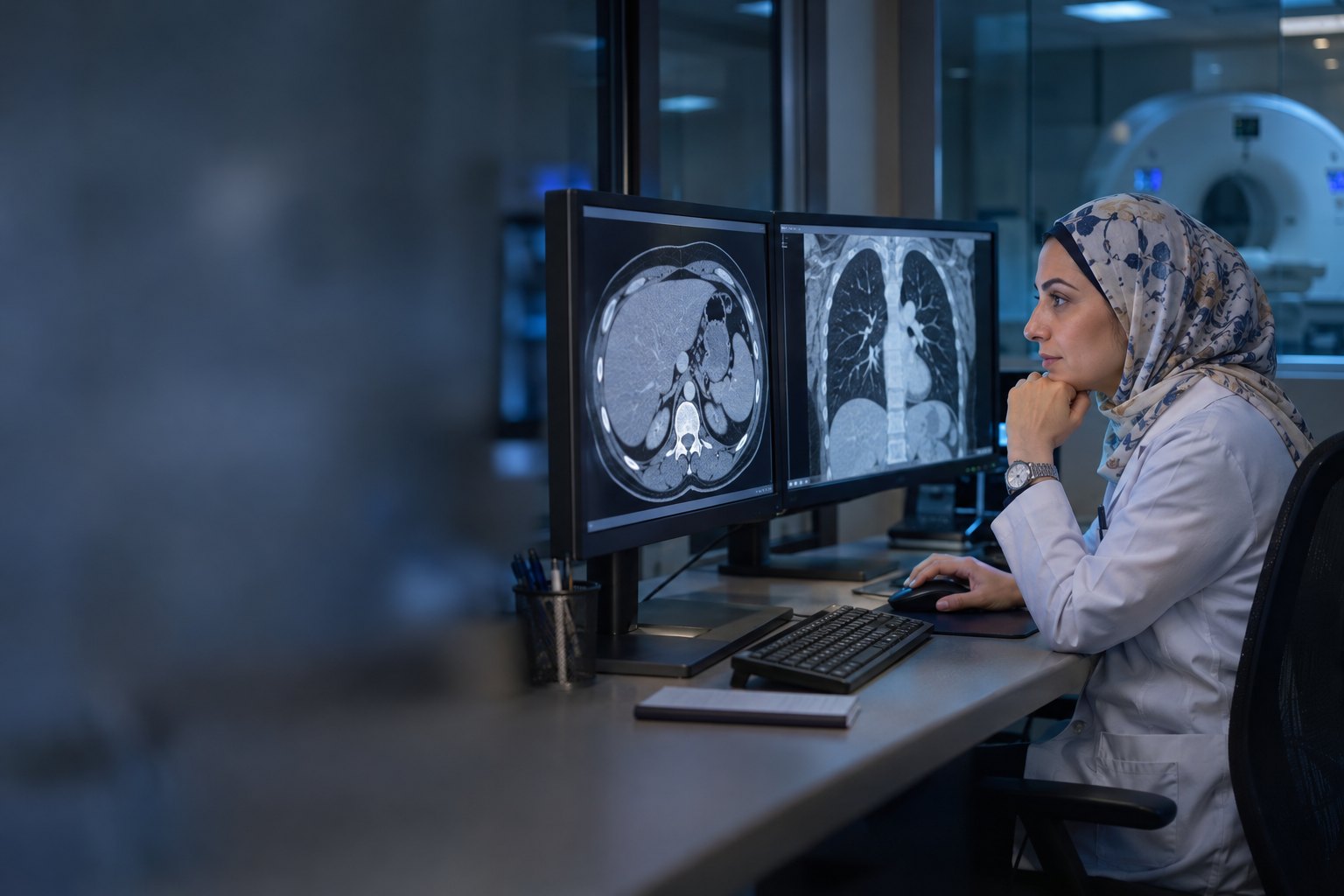
From study review to report
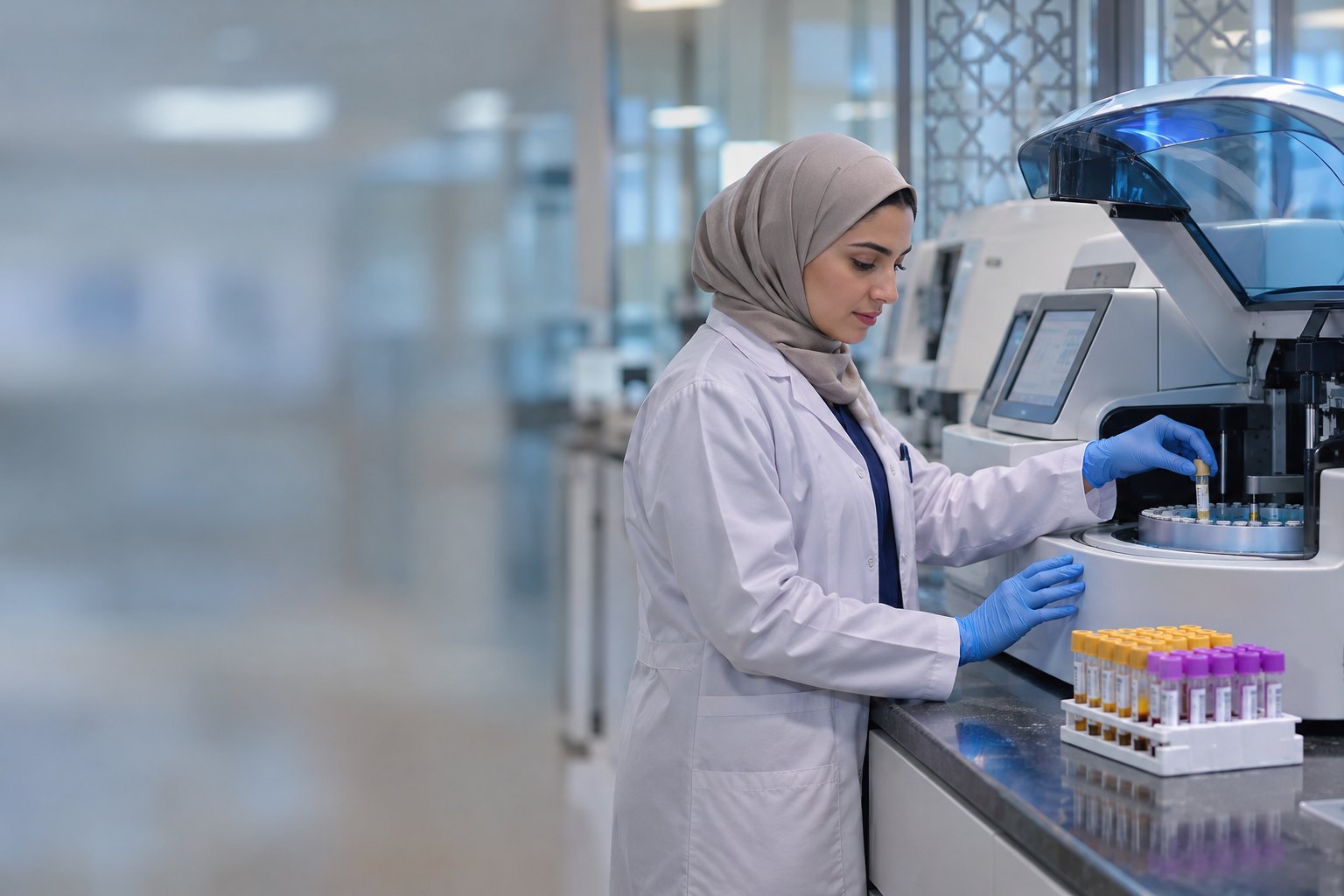
From specimen receipt to result approval
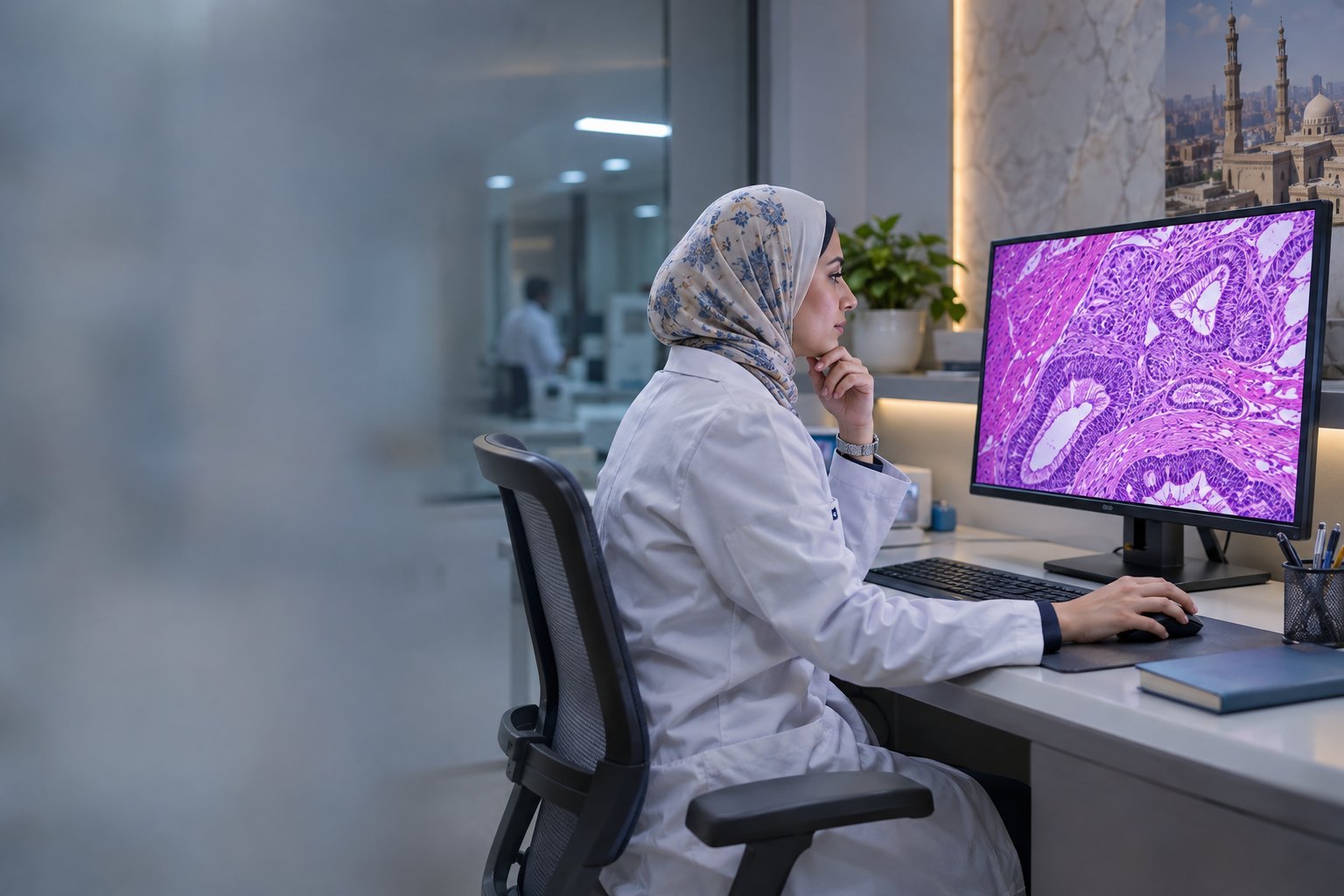
From digital slide to report

Dental chart and treatment plan

Treatment planning and patient follow-up
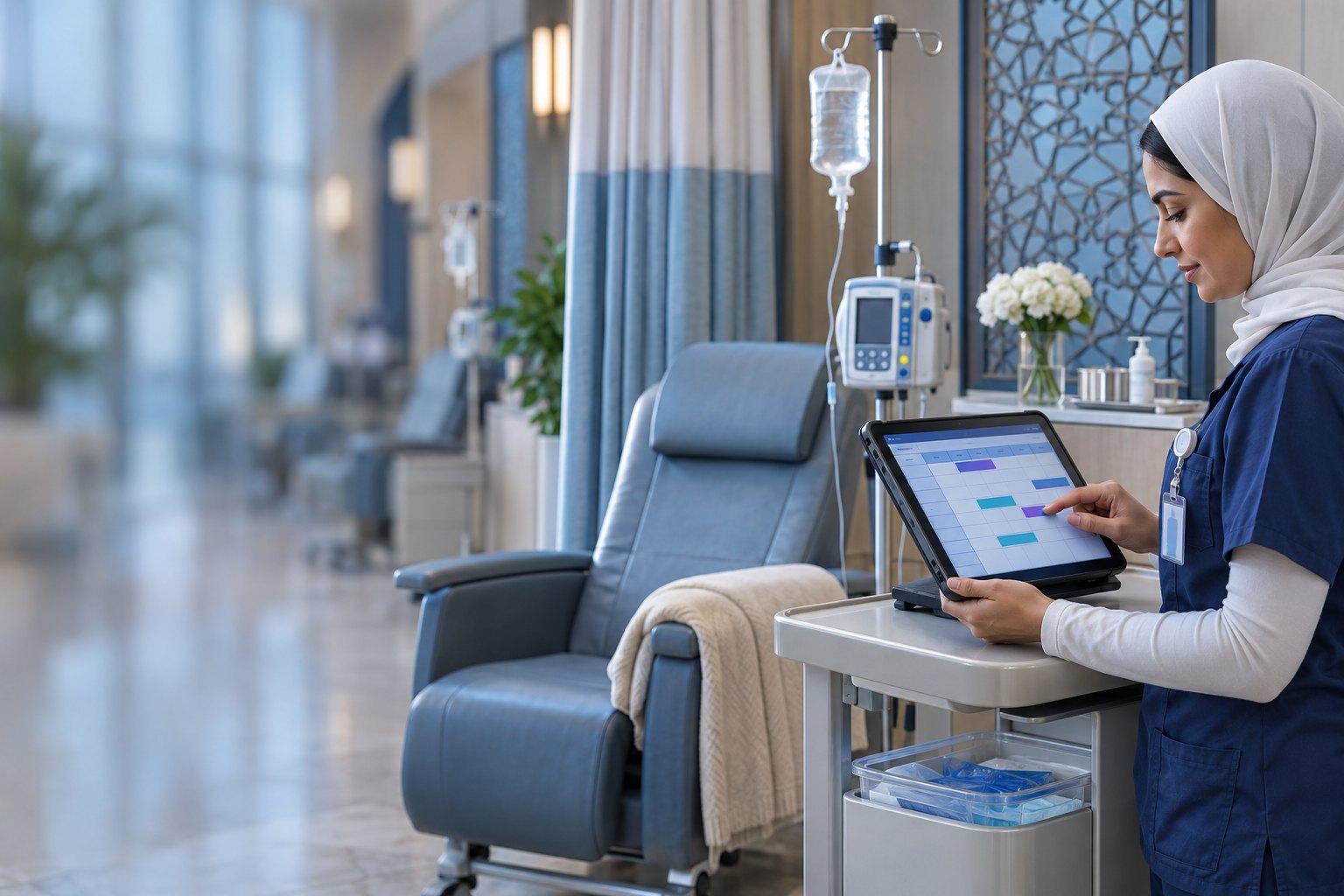
Cycle and session scheduling

Visits and growth follow-up

Sessions and progress tracking
Appointments, visits and patient records.
Explore programCoordinate specialties, clinicians and branches.
Explore programRegistration, admission, inpatient stays, transfers and discharge.
Explore programClinic appointments, treatment plans and follow-up.
Get a free monthTest orders, specimens and result approval.
Explore programTrack tissue, blocks, slides and reports.
Explore programReview digital slides and collect snapshots for reporting.
Explore programTrack treatment plans and chemotherapy sessions.
Get a free monthReview imaging studies in PACS and prepare reports.
Explore programOrganize registrations and trainee communications.
Get a free monthSales, inventory and customer follow-up.
Get a free monthService requests, scheduling and customer follow-up.
Get a free monthThe clinician’s workspace
From specimen intake to slide or study review, give clinicians the images, worklists and review tools in context. Where enabled, AI assists with drafting or research review, with the specialist reviewing the output.
Connect orders, specimens and results. Check processing and approval status before delivery.
Follow the specimenZoom into a slide, mark an area of interest and keep measurements and notes in the case context.
Explore the slide viewerOpen a study and its series, then review your notes and draft report in the enabled workflow.
Explore the study workflowGive reception a clear handoff from enquiry to confirmed visit and follow-up.
Clinic solutionRoute requests by specialty and branch so each request has a next step and an owner.
Medical center solutionFollow the patient from registration through ward transfers in an admission worklist.
Hospital solutionLink specimens to their orders and see what is ready for analysis or review.
Clinical laboratory solutionFollow tissue cases through blocks and slides before the pathology report is reviewed.
Pathology solutionSpecialties in the Clinic Engine One catalogue. Services and appointments depend on each facility’s configuration.
Reception sees the channel and conversation history, clarifies the service and branch, then assigns the follow-up.
Illustrative conversationReception logs a request, checks the doctor’s schedule and confirms a time. On the day, the queue shows the arrival status.
Illustrative bookingThe lab records the order and specimen together. The worklist separates received specimens, tests in progress and results for review.
Illustrative specimen workflowAn authorised reviewer approves the result before handoff. Configured rules can notify the patient and invite feedback after delivery.
Illustrative notificationReception can see who has arrived, which requests need confirmation and what needs follow-up. Each enabled module gives its team a worklist suited to its role.
Illustrative operations dashboardManage conversations, assignments and requests.
See the conversationOur team scopes content, campaigns and websites as separate services.
Marketing servicesAn original example explaining what to expect during a lab visit.
Illustrative content sampleThe functions agreed for your workspace.
We scope the services with you and can combine them with your subscription in one proposal.
Pick a routine case: a booking awaiting confirmation, a specimen awaiting approval or a conversation needing follow-up. We’ll walk through the steps and roles for your facility.
Request a Demo