

Clinic Engine One
Portfolio
Illustrative product previews and content samples.
Clinic Engine videos and posts
Watch product walkthroughs or browse Arabic posts by topic.
Product videos
Creating a treatment protocol
Prescriptions and interaction alerts
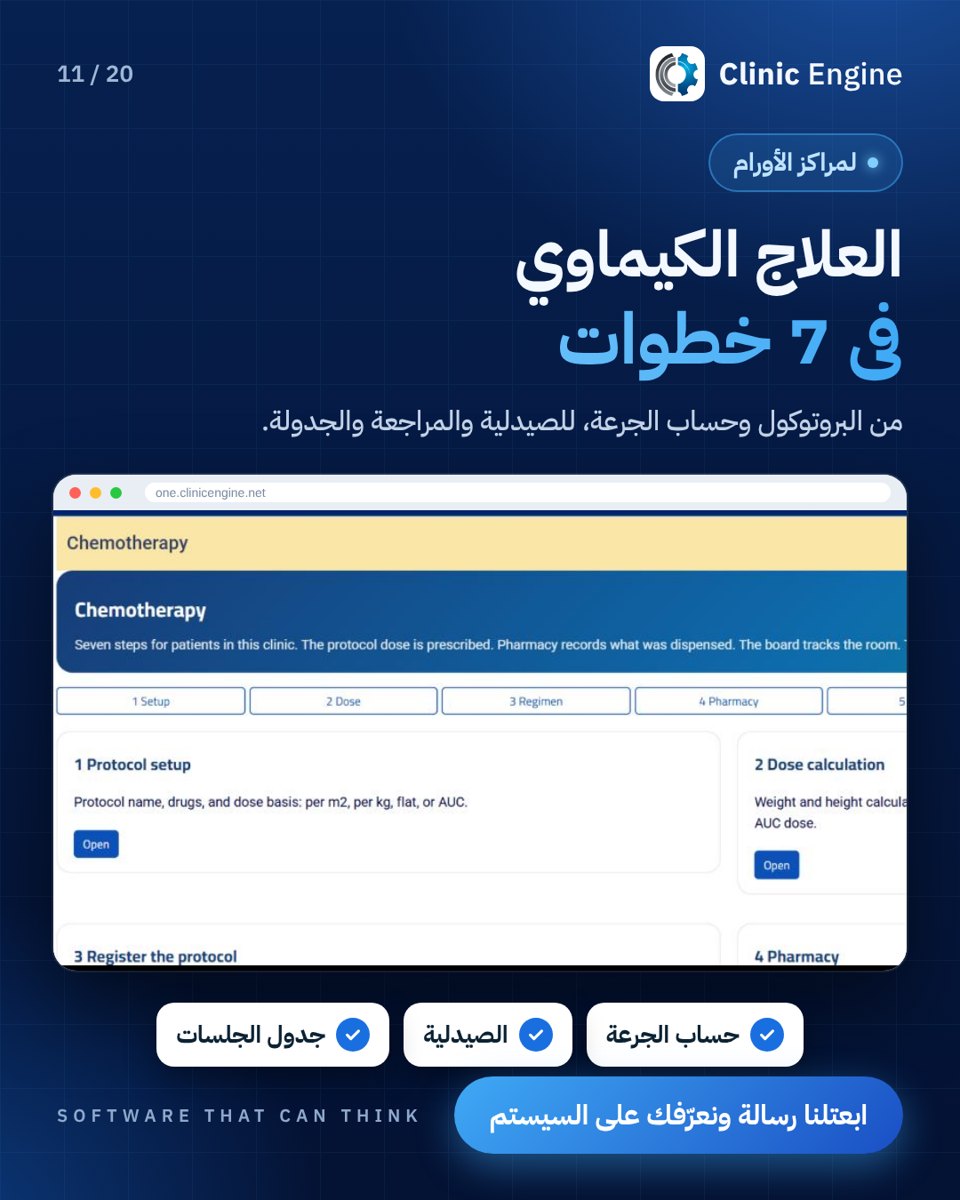
Chemotherapy workflow walkthrough
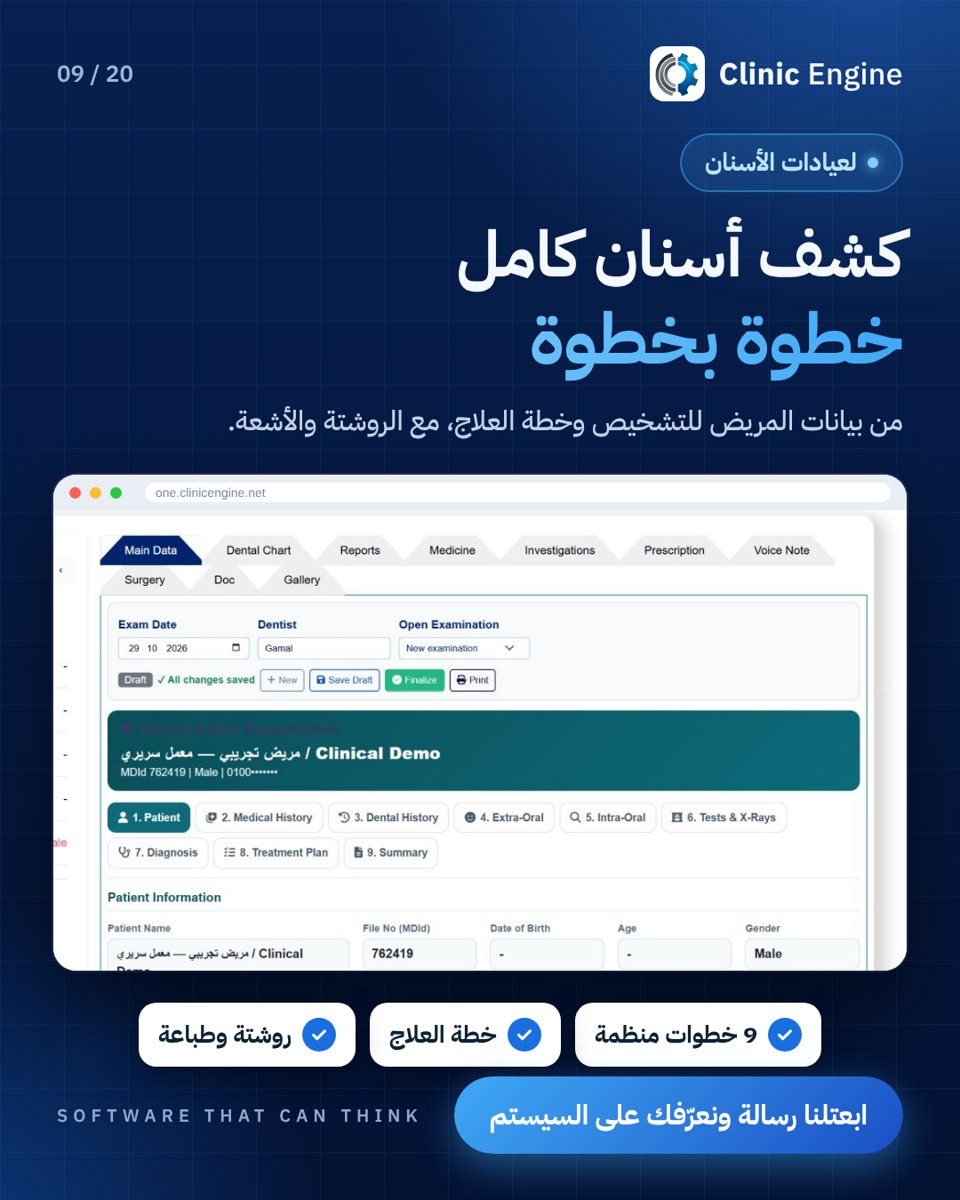
The dental clinic visit
Messaging for aesthetic clinics
Appointment follow-up in gynecology
Patient communication on WhatsApp
From enquiry to booking and follow-up
Organising clinician and clinic time
Short videos
These clips are in Arabic.
Reels 1–12
100 استفسار الشهر دا
3 مرضي مجوش انهارده
3 موظفين علي الشات ؟
اشعة السنه الي فاتت فين
اعلانك الاخير جبلك كام مريض
الstage مكتوب فين
الاشعاع متسجله فين
البرنامج دا جبلك كام مريض
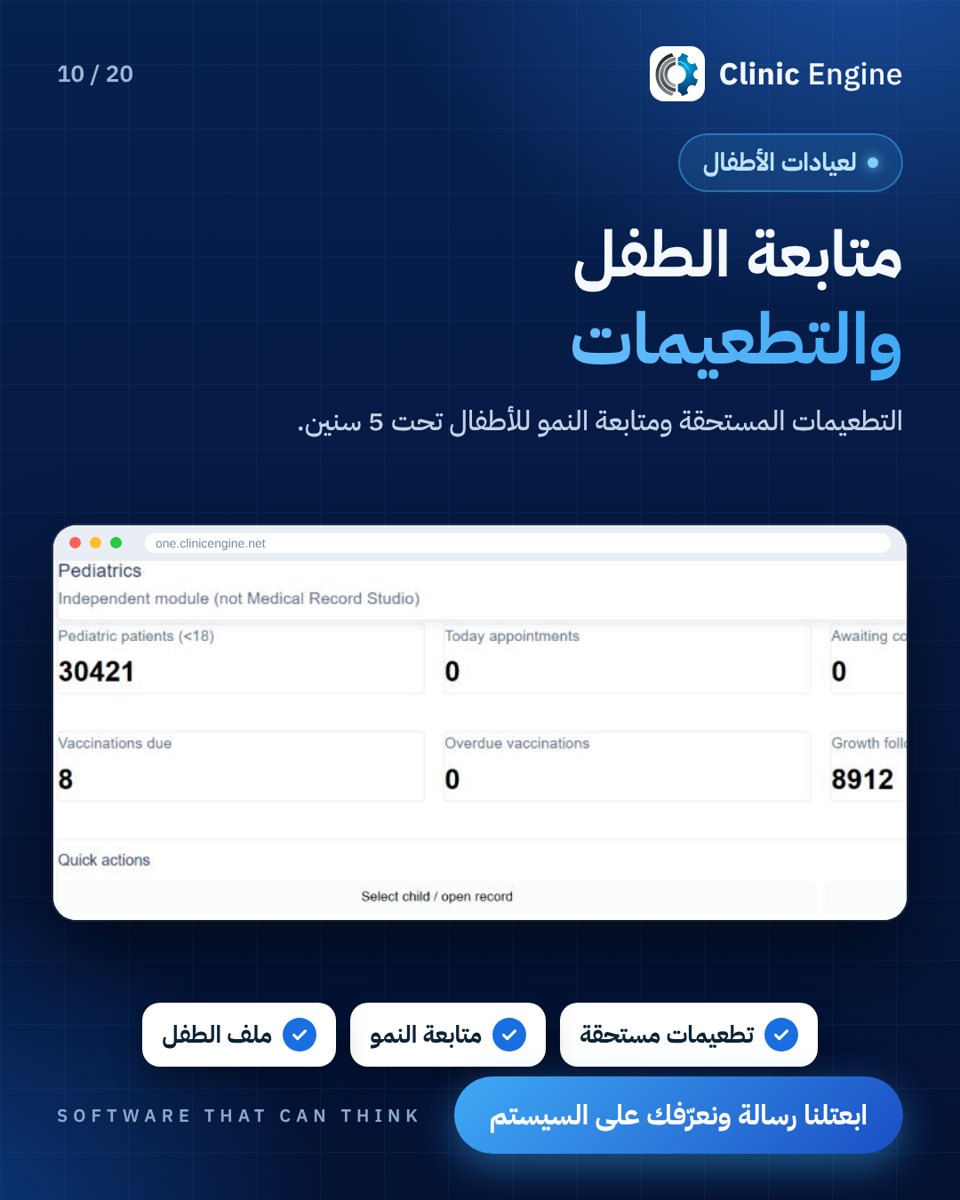
التطعيم الجاي امتا
التمريض بيسال نبدا منين
الحجز الساعه 11
الرض التلقاي
Reels 13–24
السيستم رد علي مين و قال ايه
الغرف مش معروفه
الغرفه اشتغلت و المريض وصل
المرضه بتوعك راضين ؟
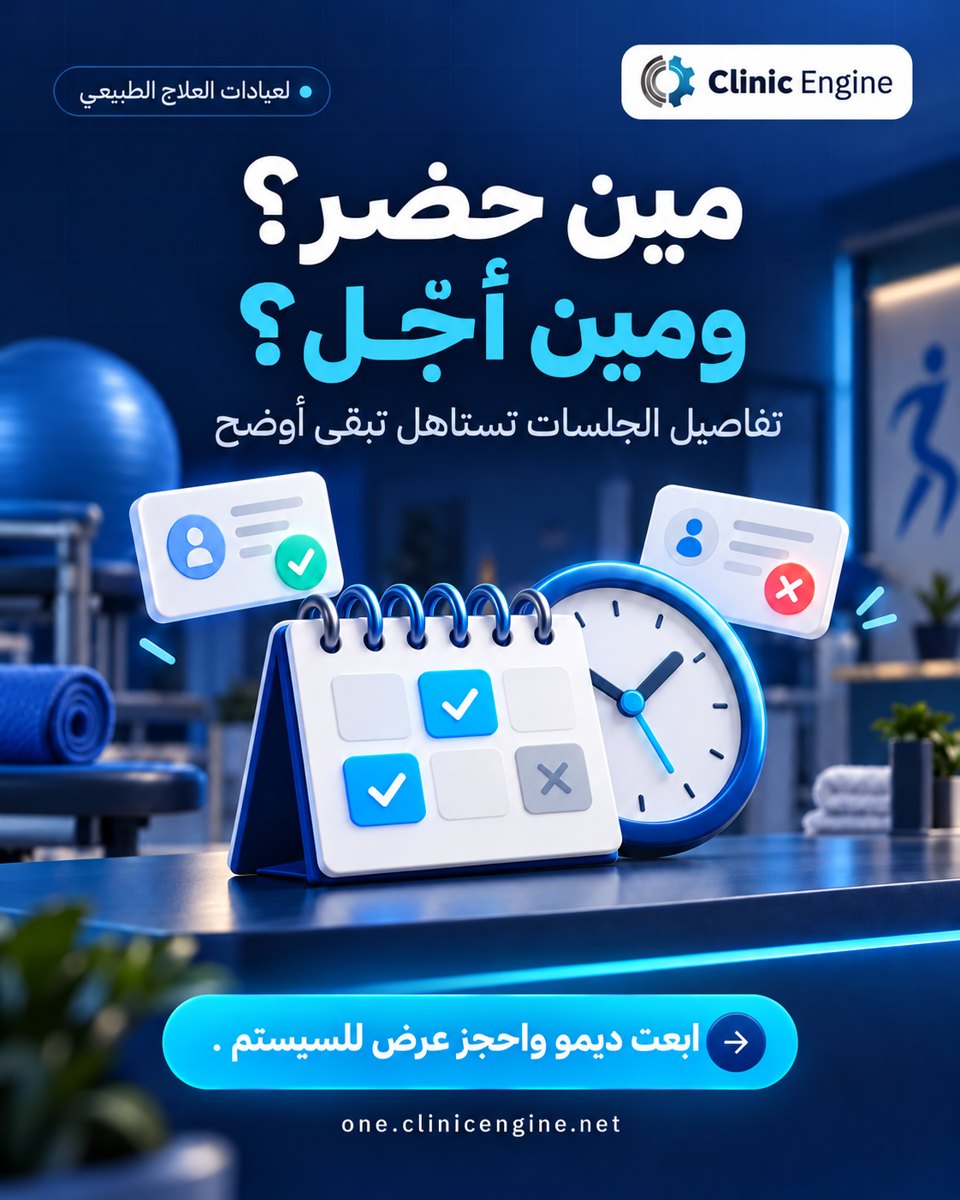
المريض حضر كام جلسه
المريض عايز يحجز 12 بليل
المريض عنده حساسيه من ايه
المريض ف الجلسة الكام
المريضة دي فين
الموظف الجديد شايف كل حاجه ؟
بتكتب التقرير من الصفر كل مره
بيخشلك كام من العمليه
Reels 25–36
بينات المريض في امان؟
تحجز لي مامتك من رقمك؟
تحويل اللي موظف حقيقي
حد فكر المريض بي جلست بكره
خطة العلاج فين
خطة العلاج وصلت لي فين
دخلك كام
راسايل متكراره
رحلة العلاج متلغبطه
رسايل منغير موافقه =ازعاج
رشيته متلخبطه
سرير فاضي و مريض مستاني
Reels 37–48
سوال السعر بيلخبط الموظف
شات كبير هتقراه كله؟
شوفت نتيجةالCBC؟
عايز تسال المريض قبل ما يجي
عياتك كله في سيستم واحد
عياتك لسه ماشيه بي الورق
في سرير فاضي دلوقتي؟
فين فلوس الشهر
فيه خدمه بتخصرك فلوس؟
قبل و بعد
كل فرع جزيره لوحدها ؟
لسه بتحسب الجرعه بتاعت الكيماوي
Reels 49–60
لسه بتحسب جرعت الكيماوي بي نفسك
لسه بتكتب الروشيته يدوي
لو عندك عياده كلي بالك
لو لسه فاتح عياده مش هتبدا من الصفر
متابعة الوزن
مريض الحشو
مريض العمليه وصل لي فين
مريض الليزر
مريض عايز يحجز الساعه 2
مريضك بيتكلم انجليزي؟
مريضين ف نفس المعاد
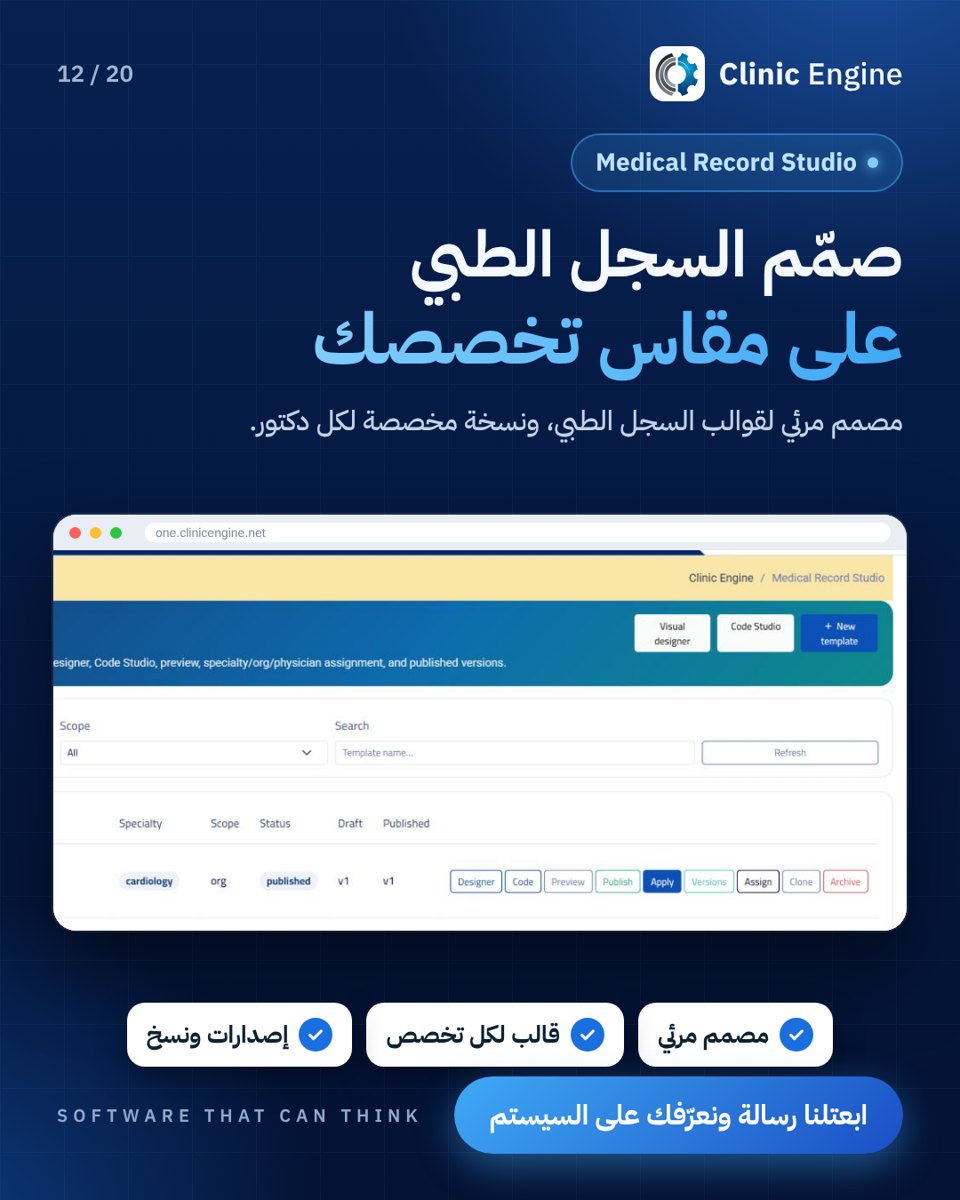
مش قالب واحد لكل التخصصات
Reels 61–71
معاد بي الدقيقه ولا بي الدور
مكان الدكتور مش جنب الورق
ملف المريض
مين الي هترد عليه الاول
مين عليه الدور دلوقتي
مين ف انهي غرفه
مين هيكلم المرض دا بكرا
نفس الرساله بتكتبها كتير ؟
نفس المريض كلمك من 3 اماكن
وريني بيوجعك فين؟
يوم كله في شاشه واحده
Posts by topic
Messaging and CRM (16)
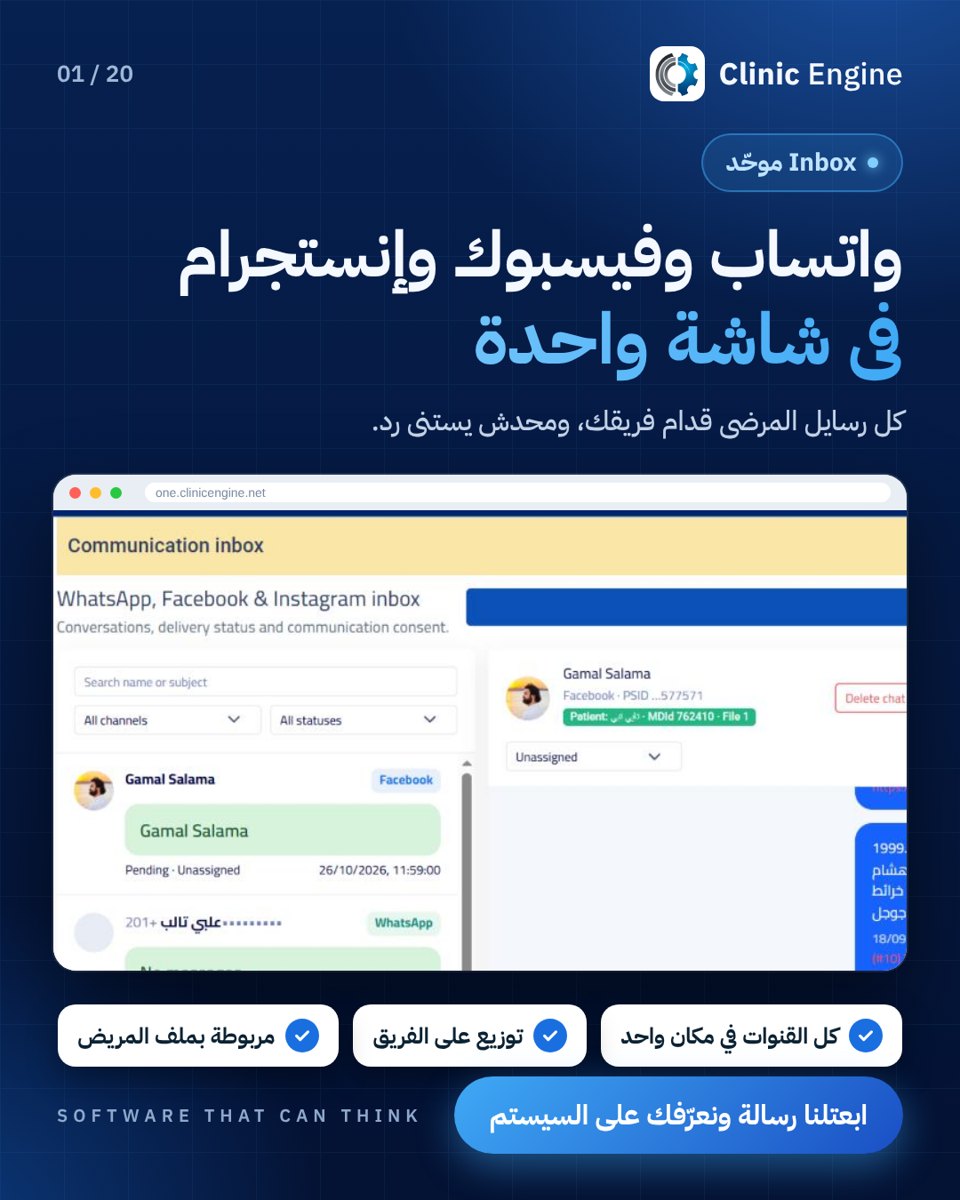 A shared inbox
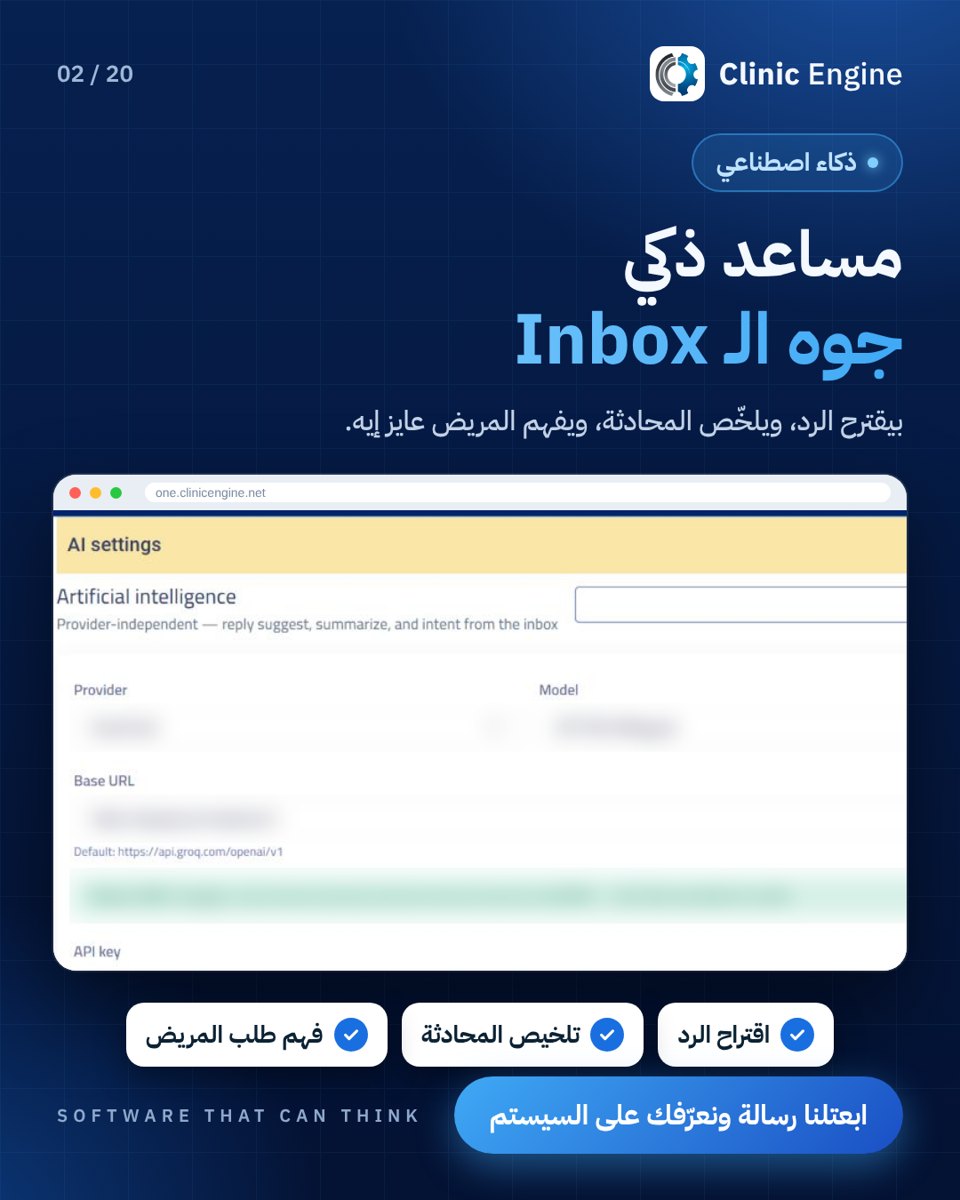 AI inbox assistant
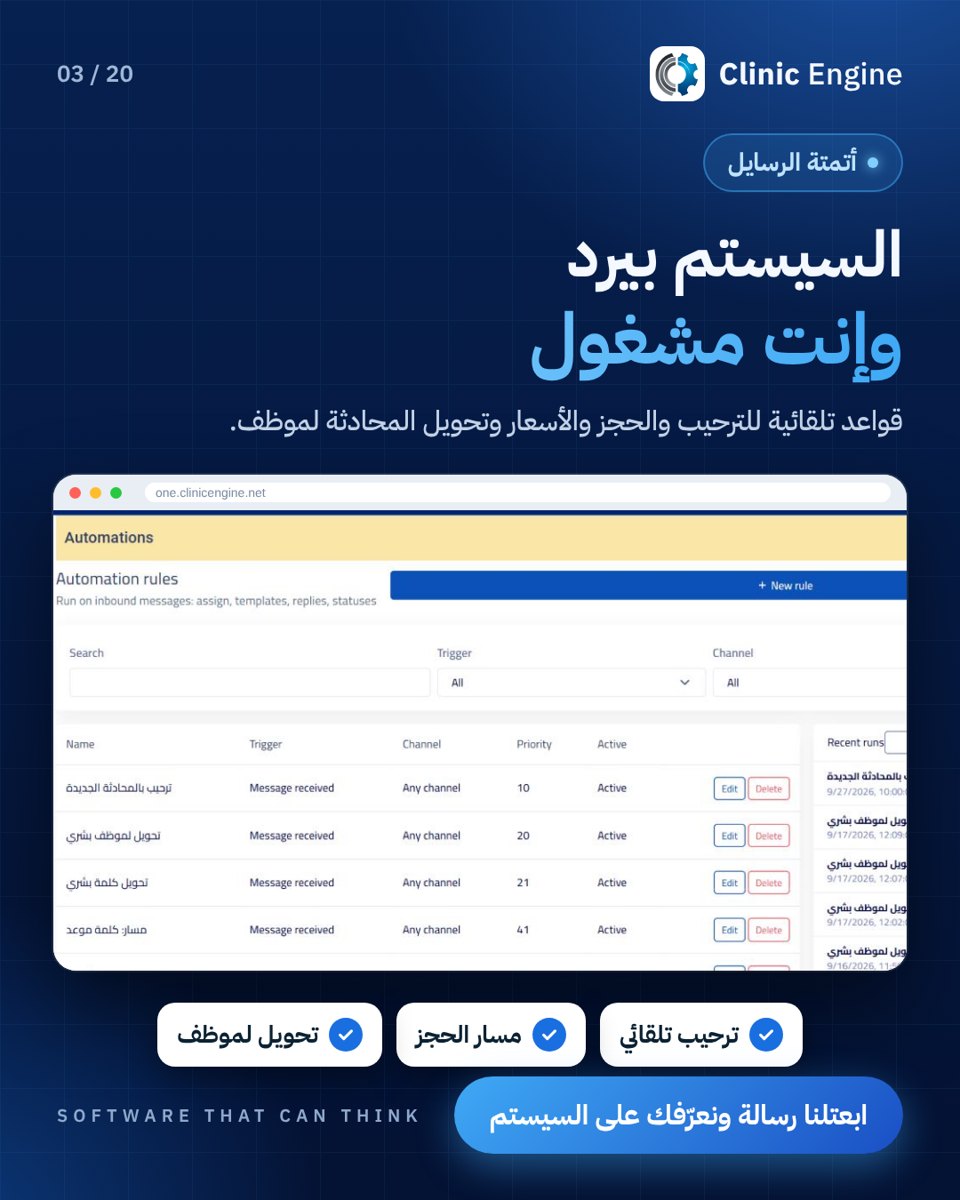 Message automation
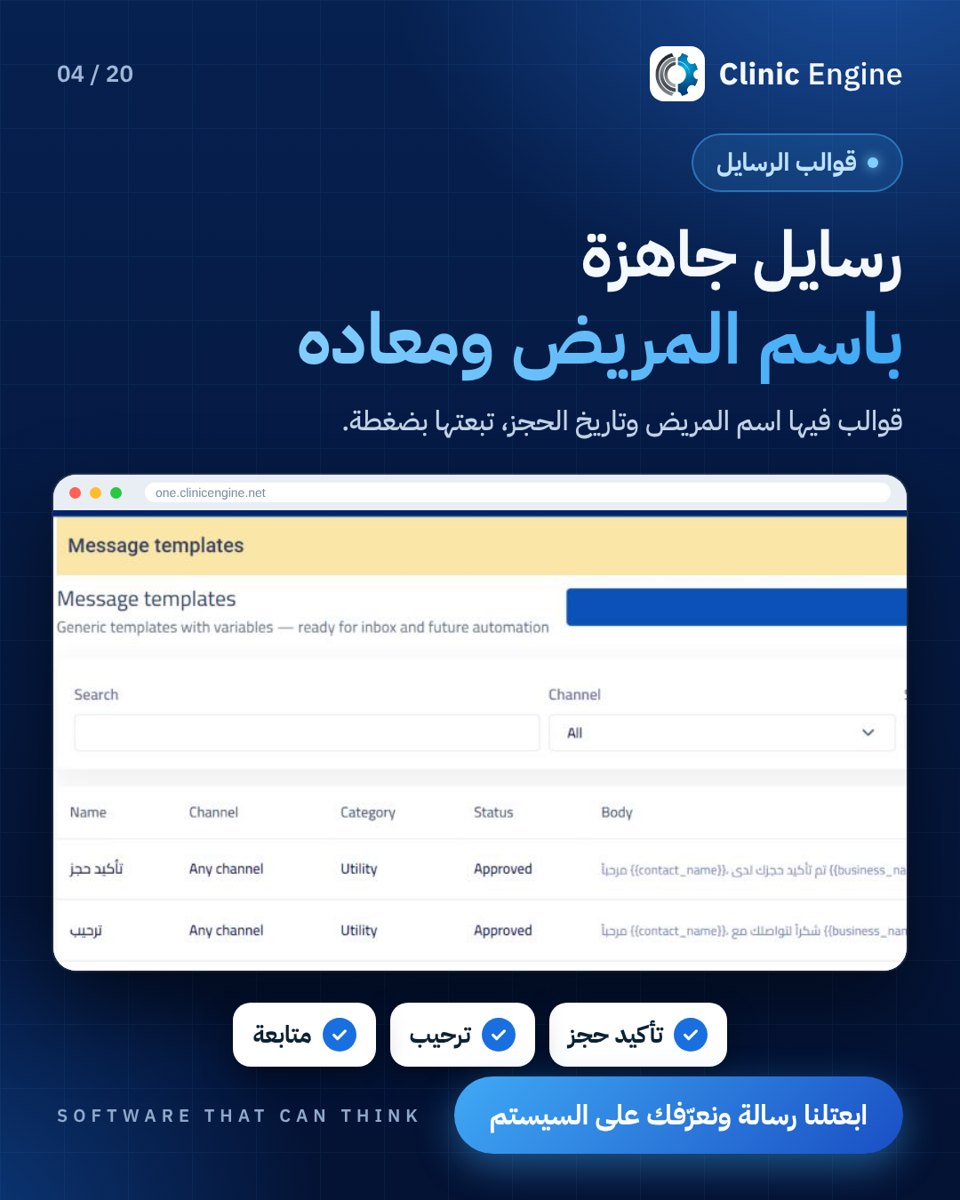 Message templates
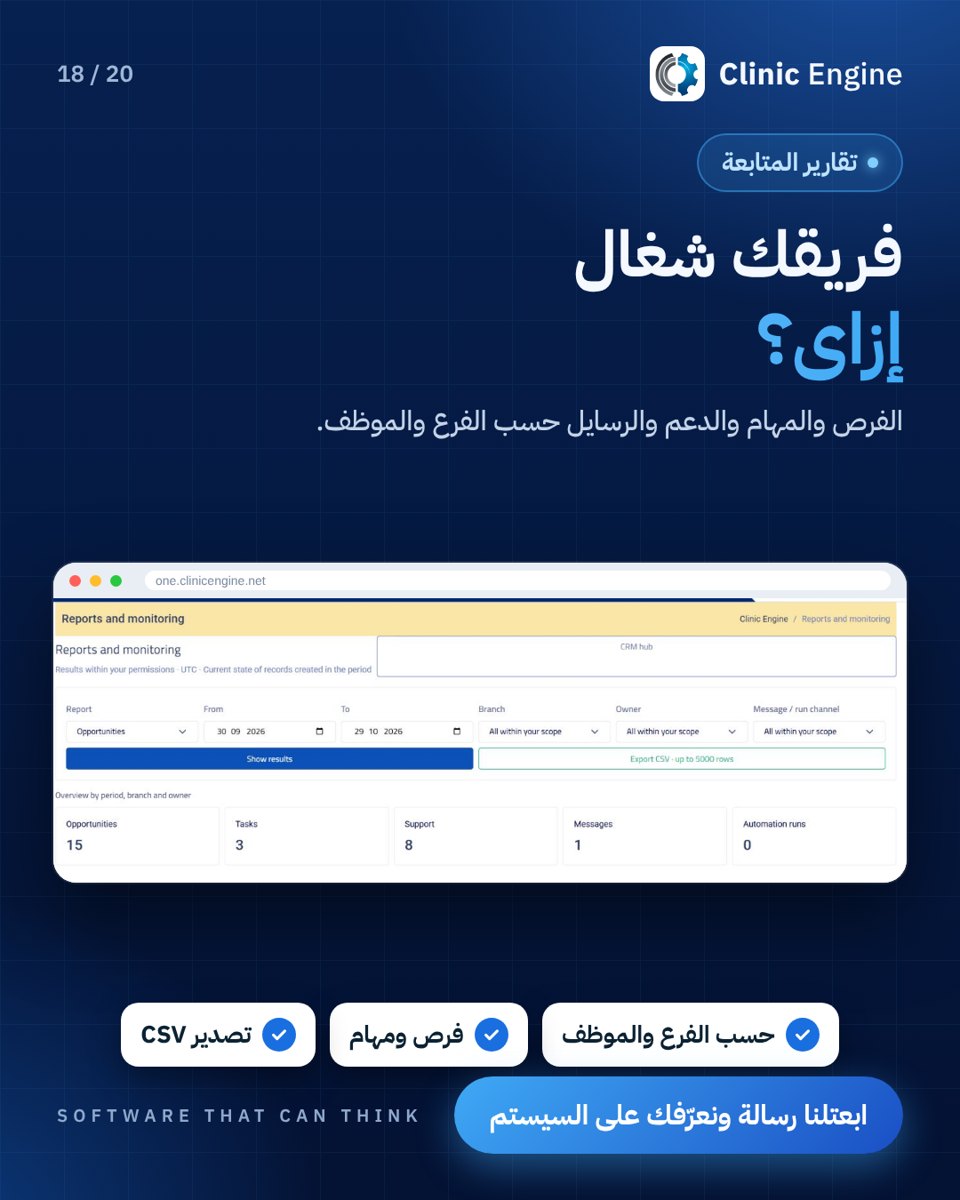 CRM team reports
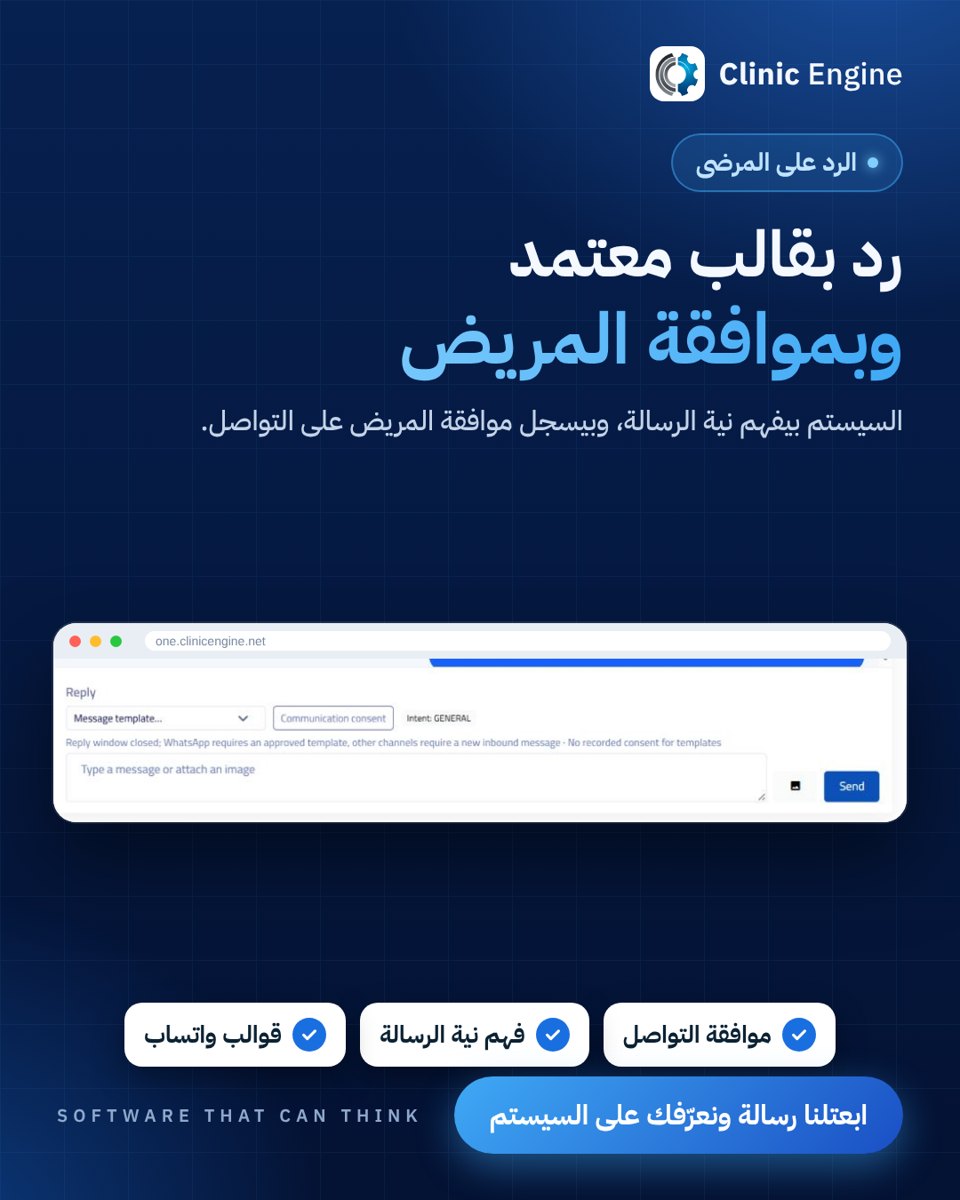 Message templates and patient consent
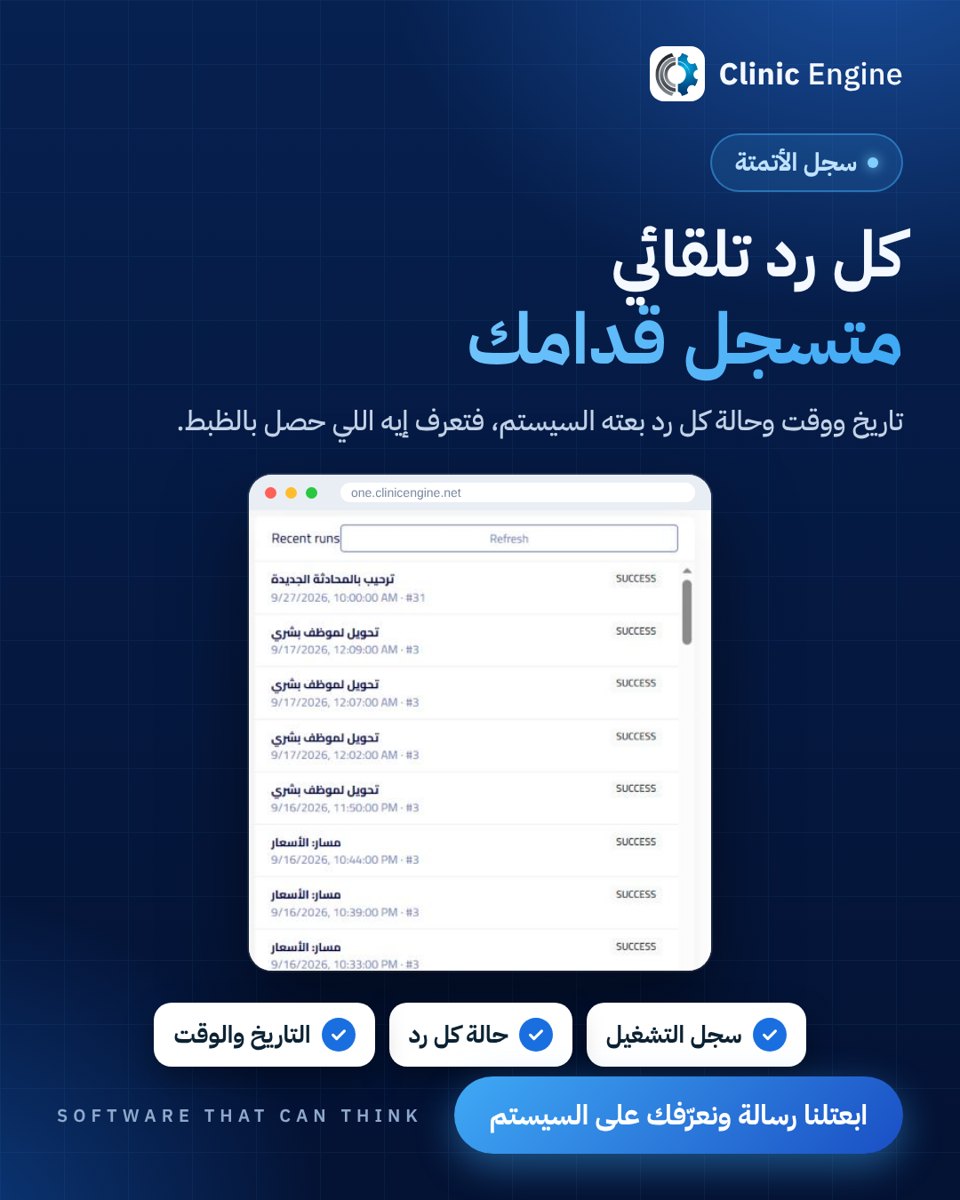 Automation log
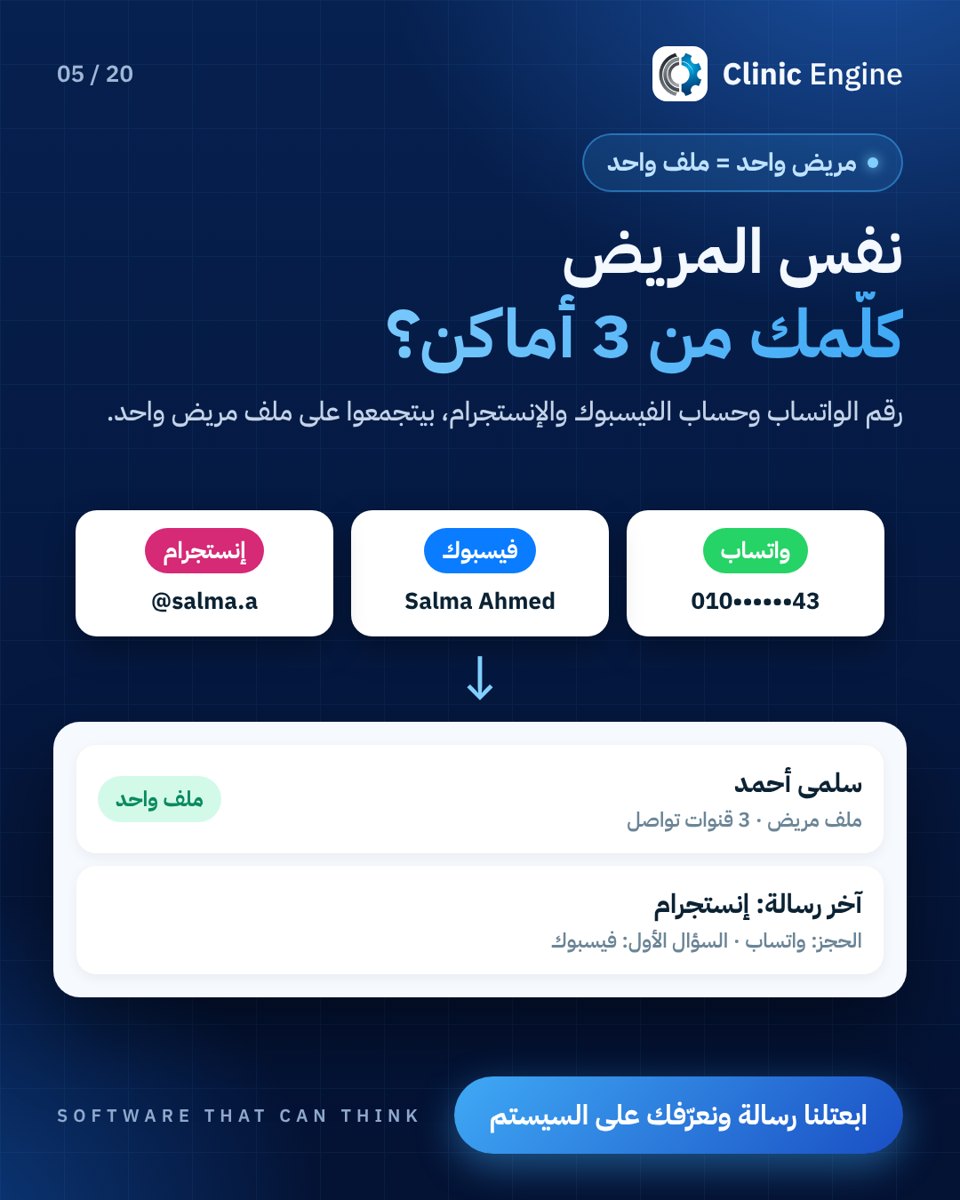 A single patient file
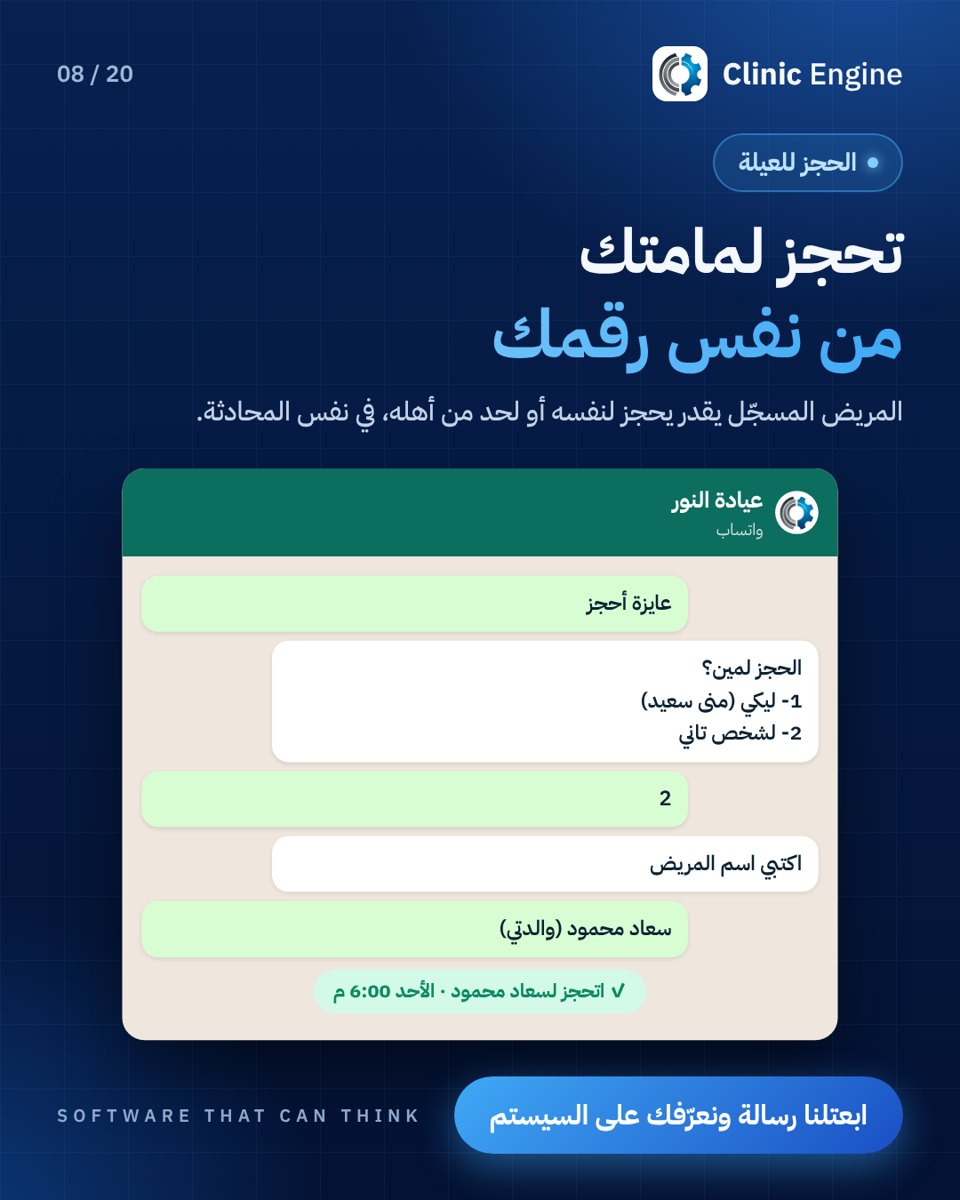 Booking for a family member
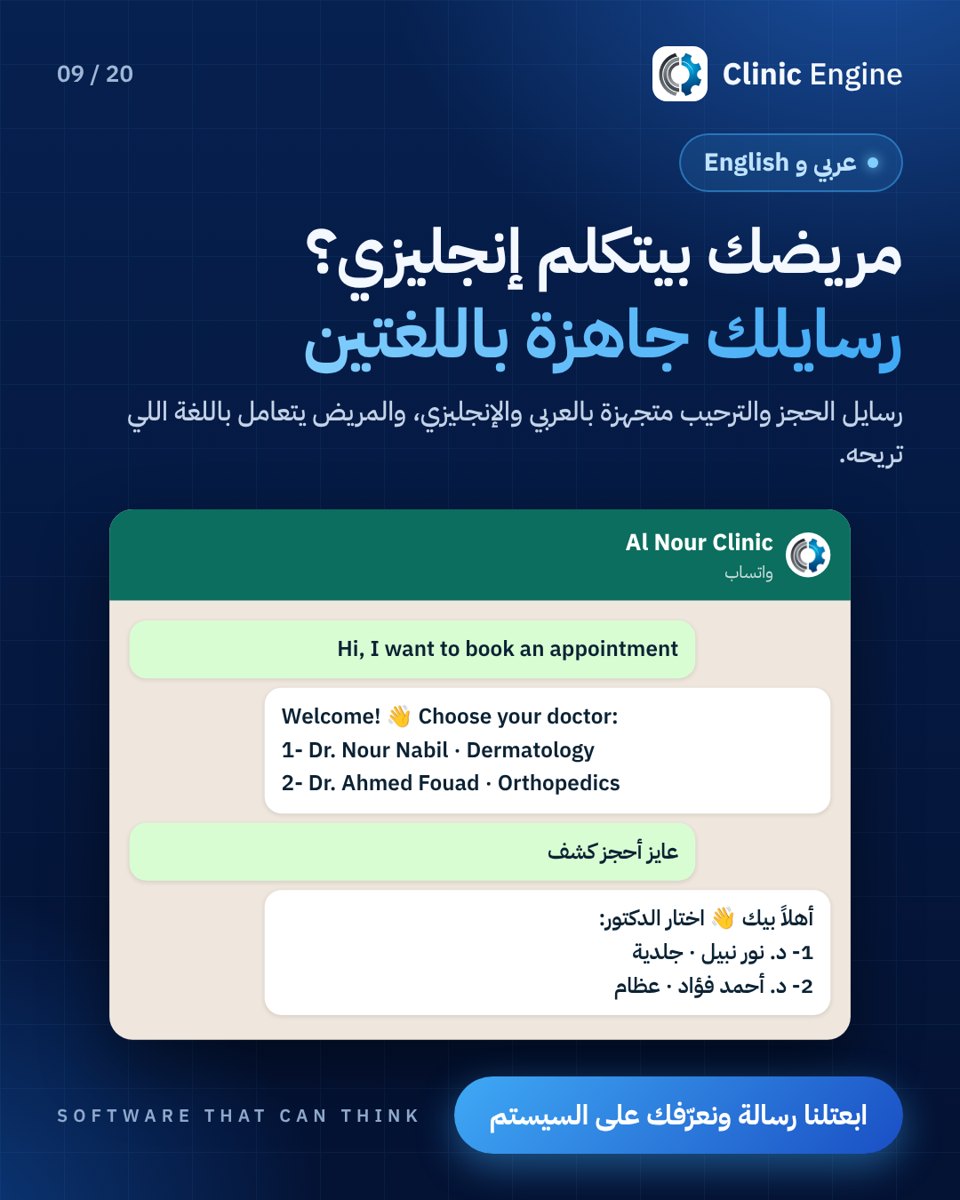 Arabic and English messaging
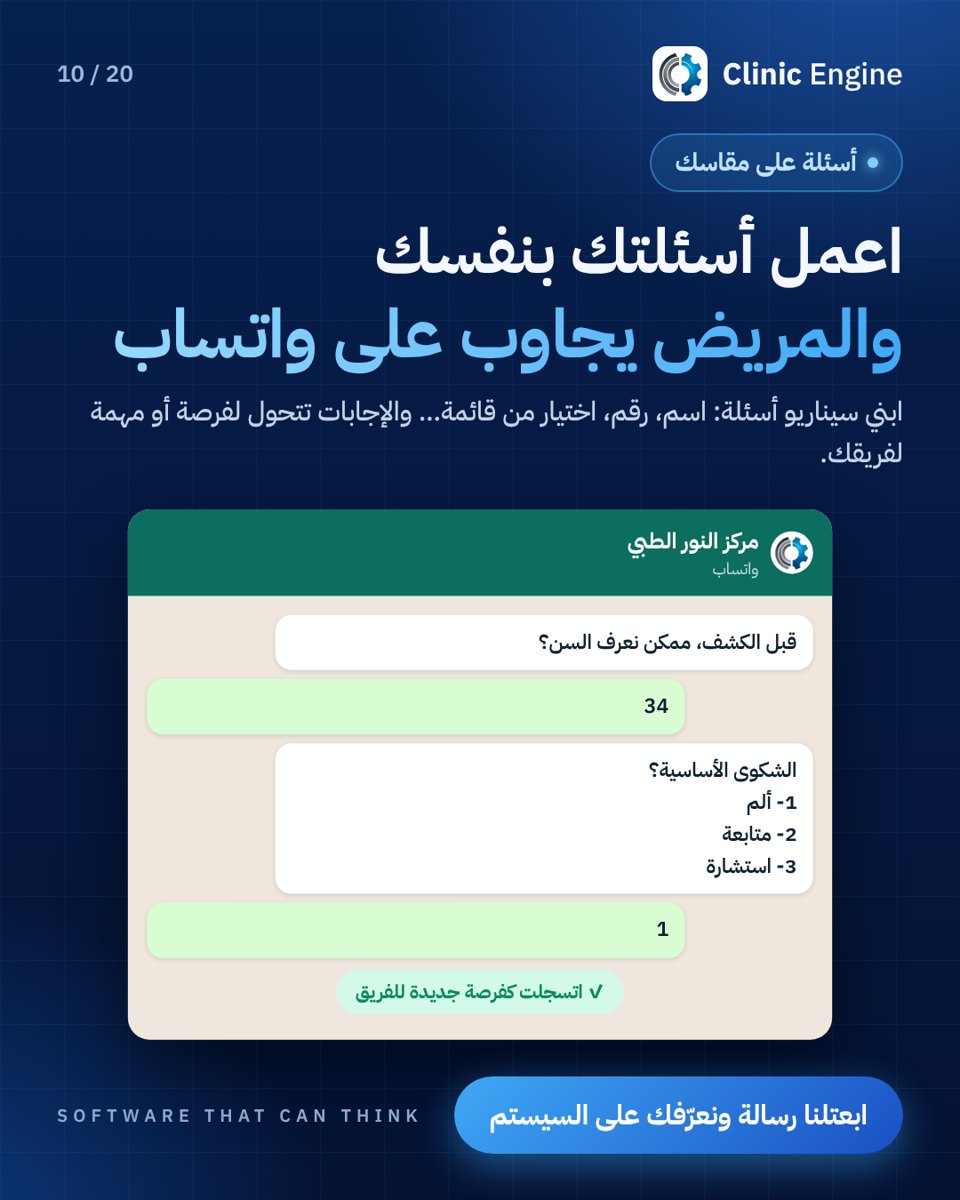 Custom questions on WhatsApp
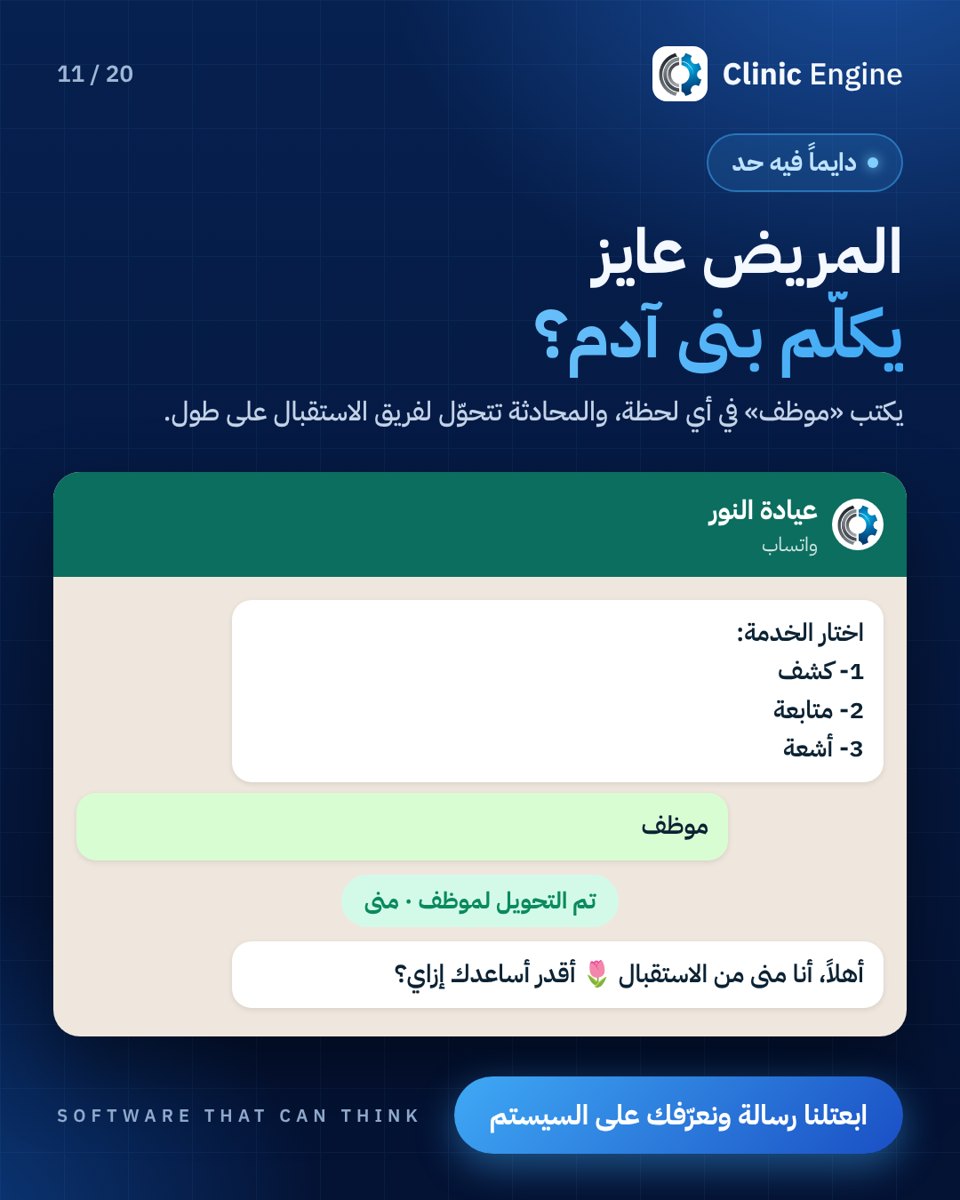 Handoff to reception
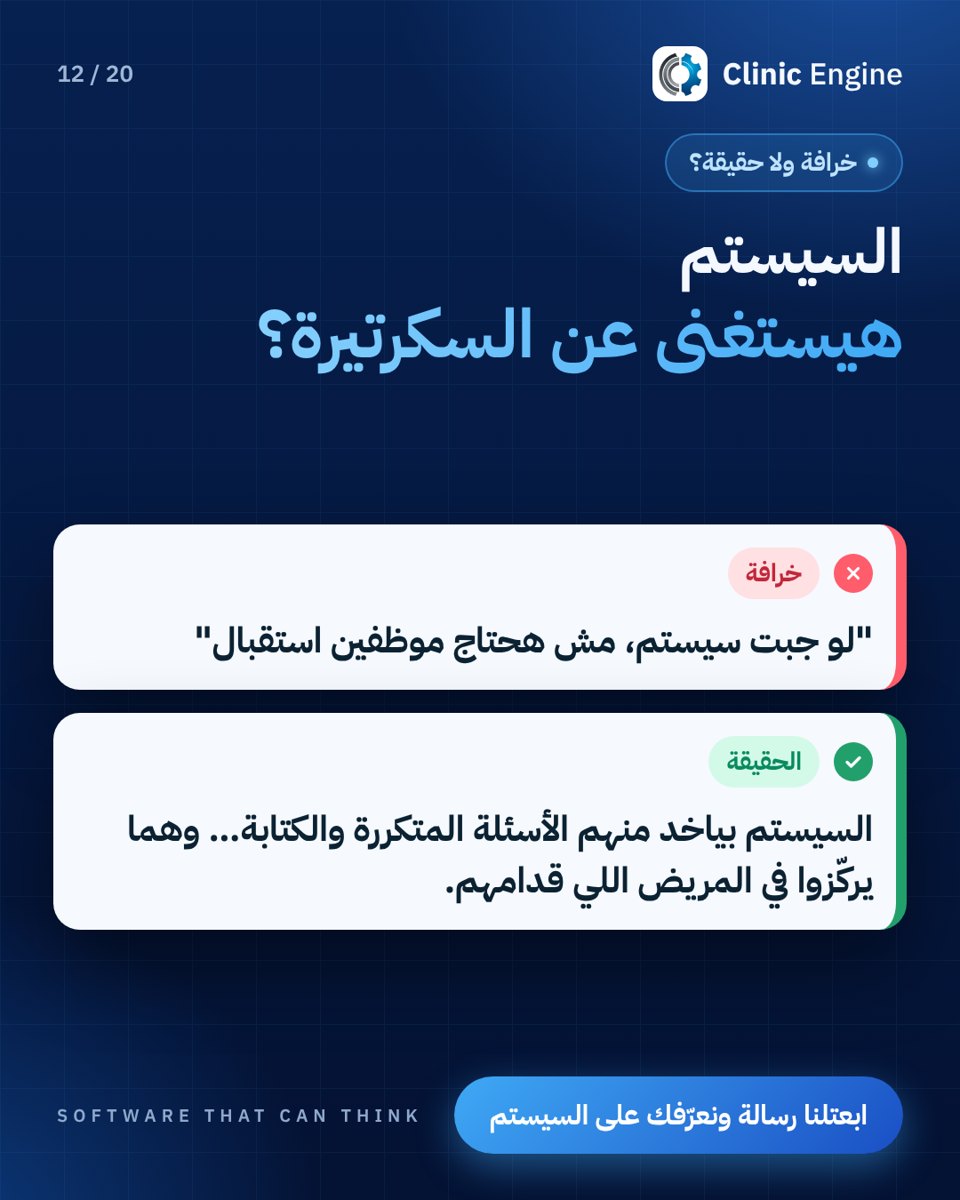 Reception and automation
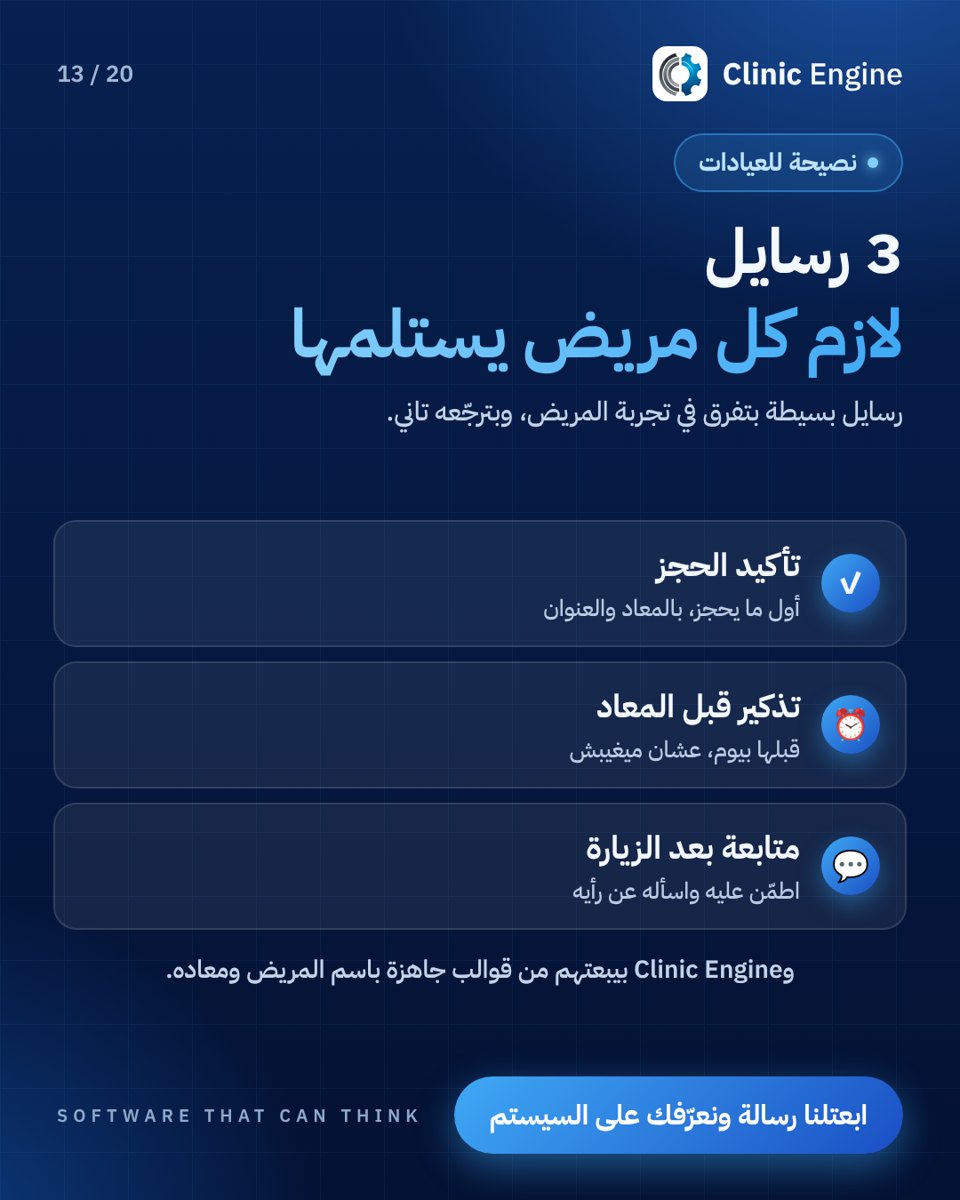 Confirmation, reminders and follow-up
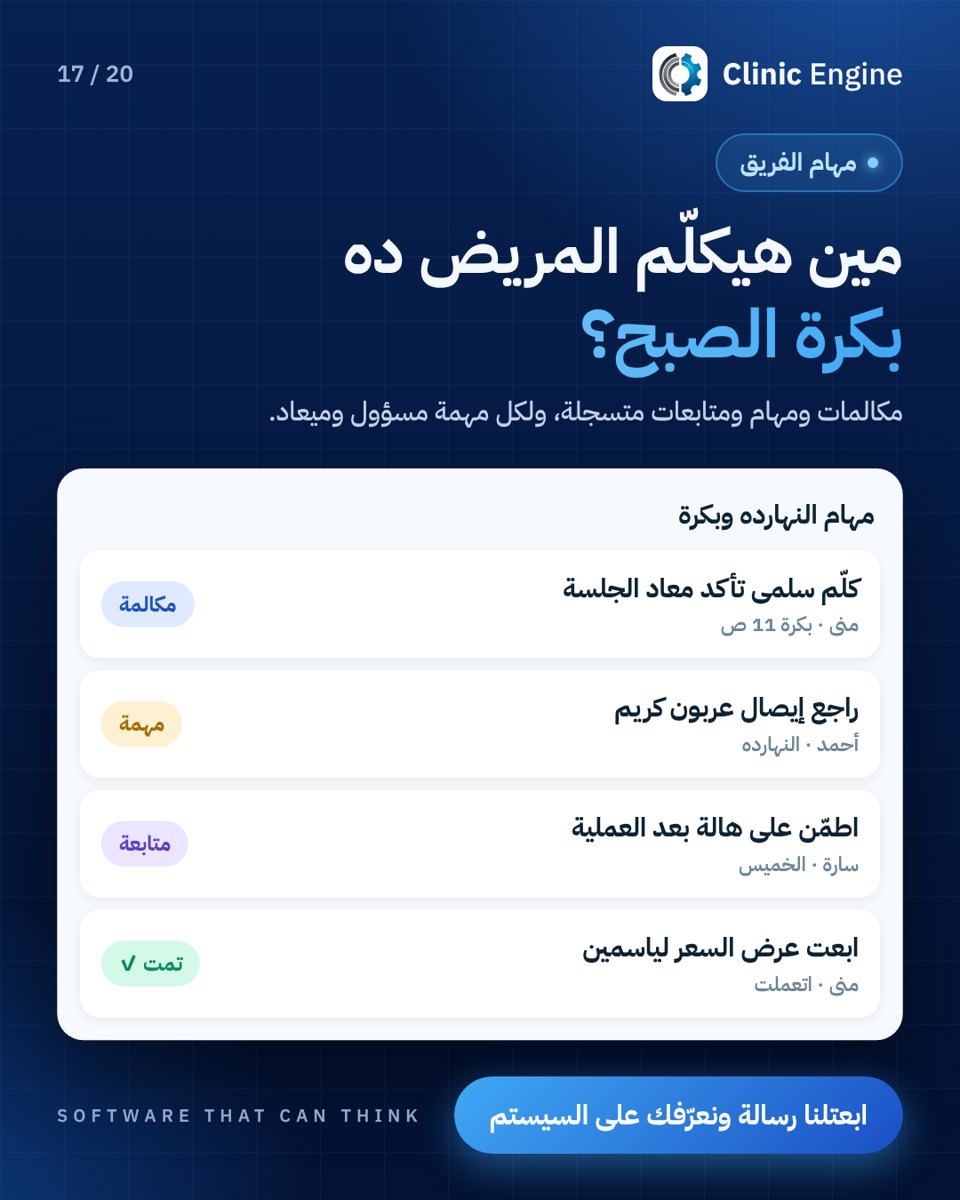 Team follow-up tasks
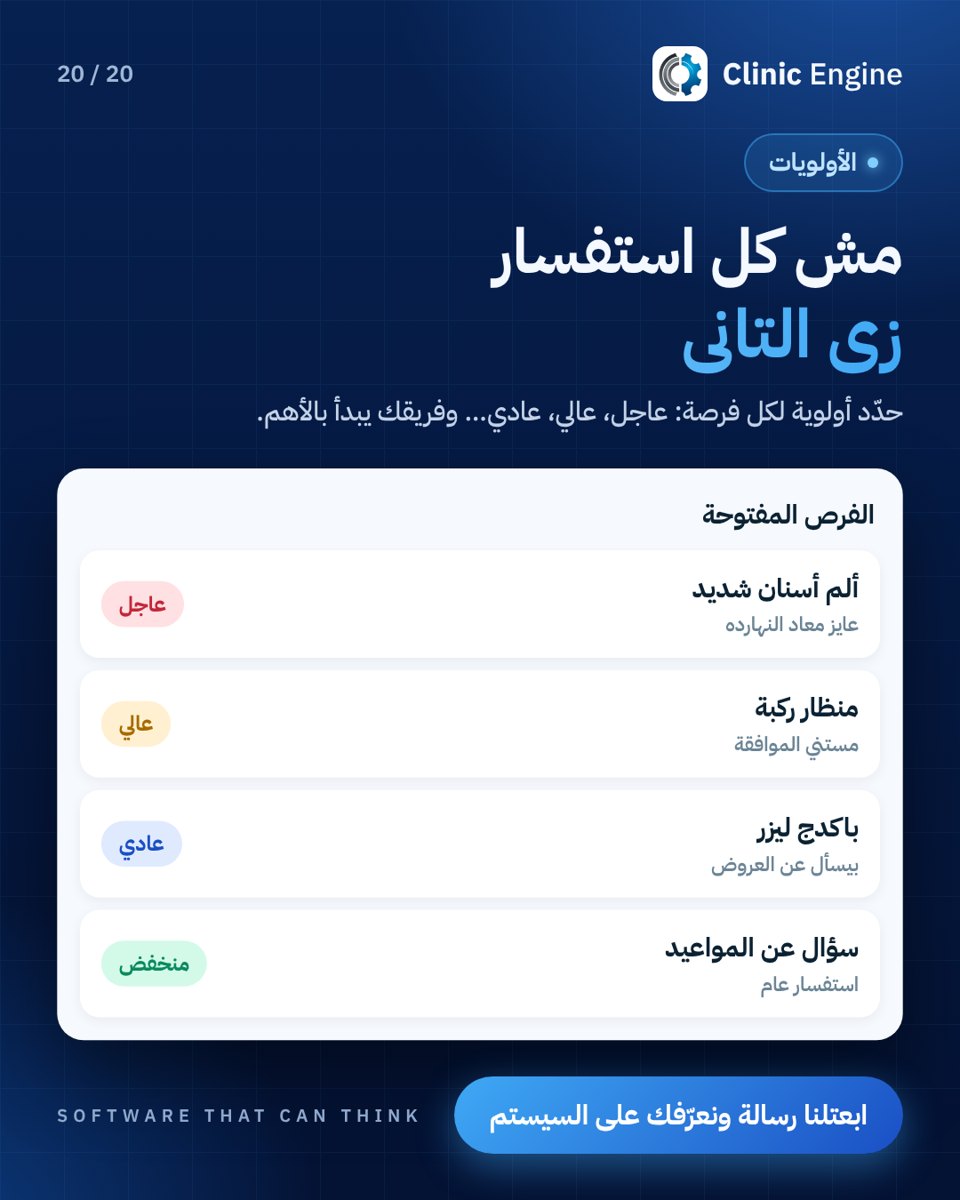 Prioritising enquiries
Scheduling and operations (17)
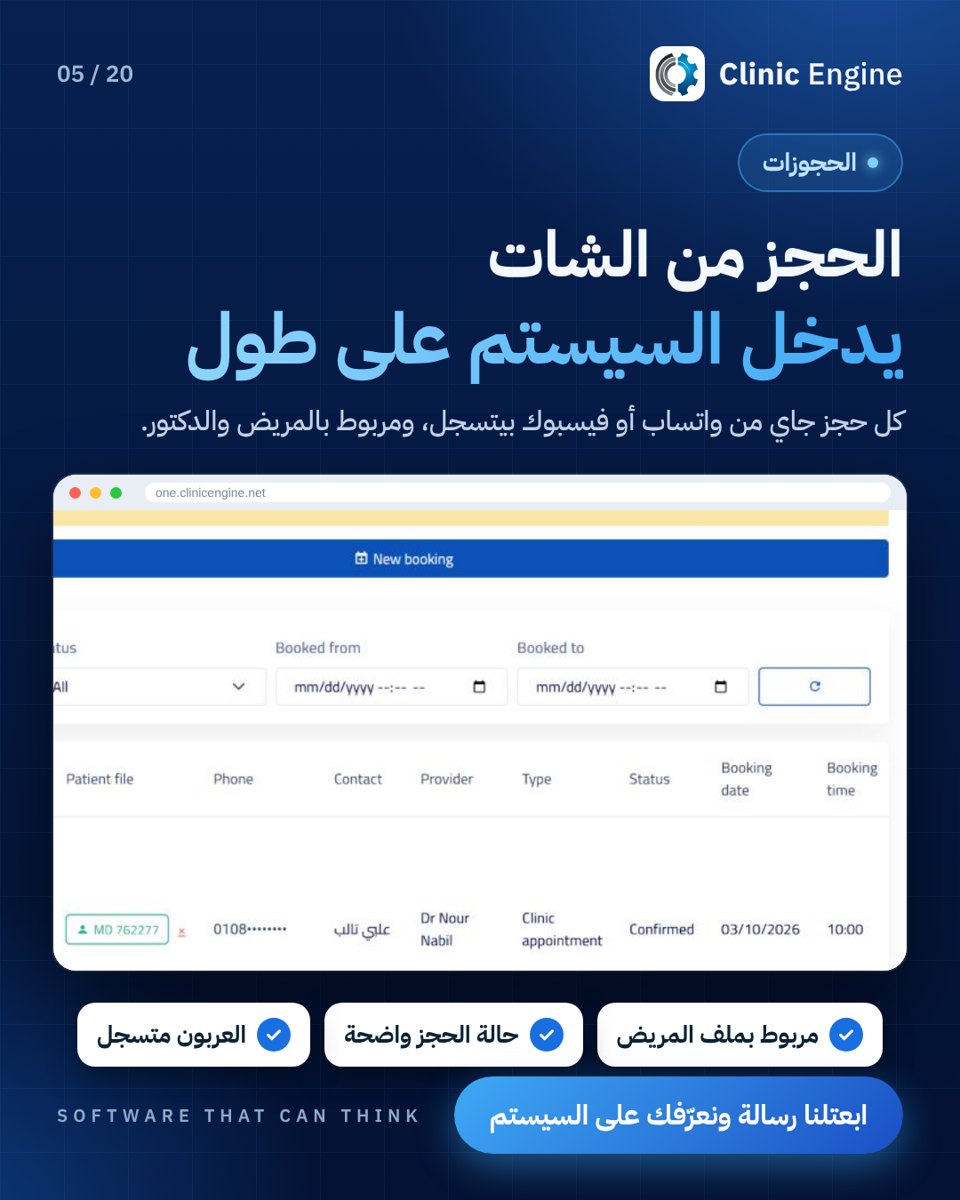 Booking from a conversation
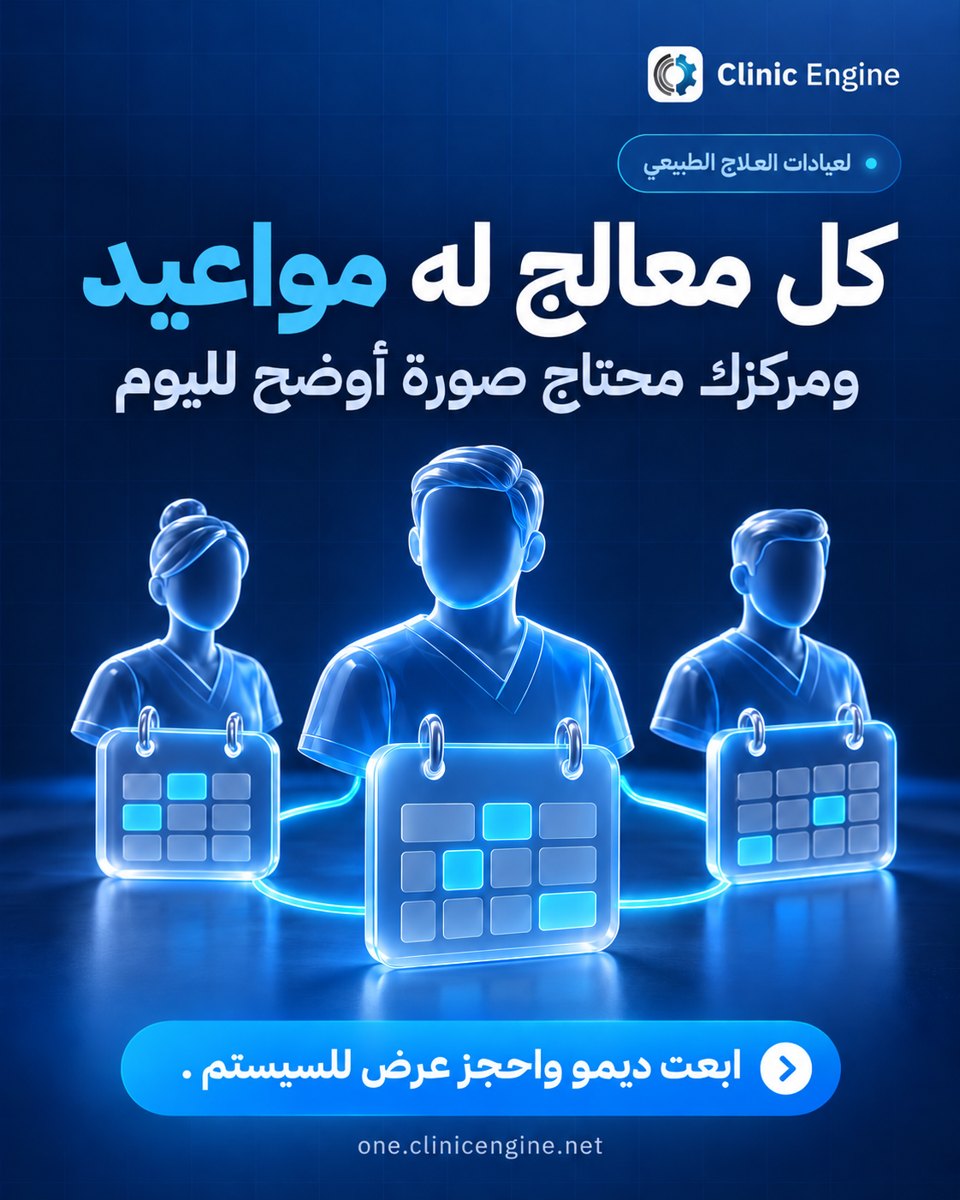
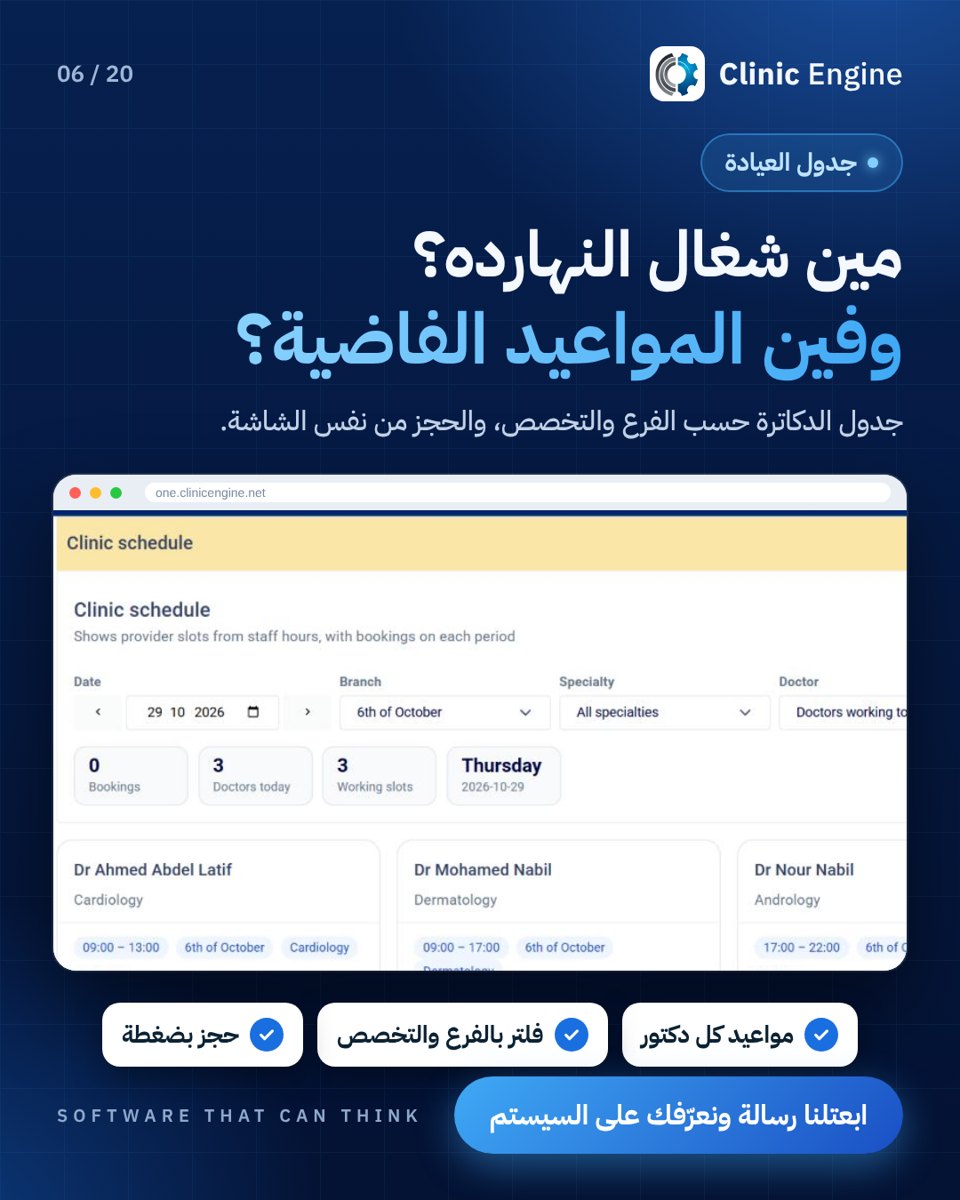 Clinic schedule
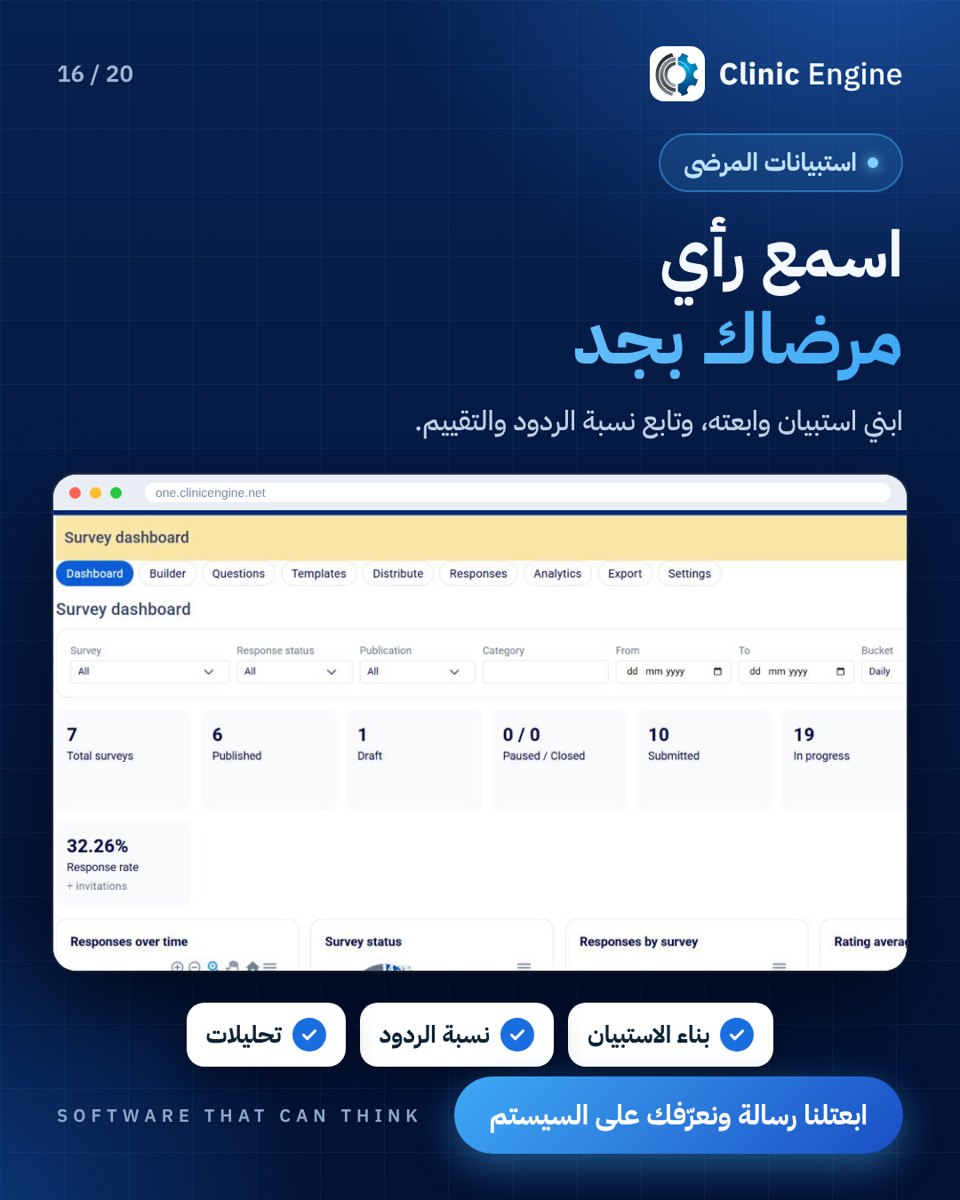 Patient surveys
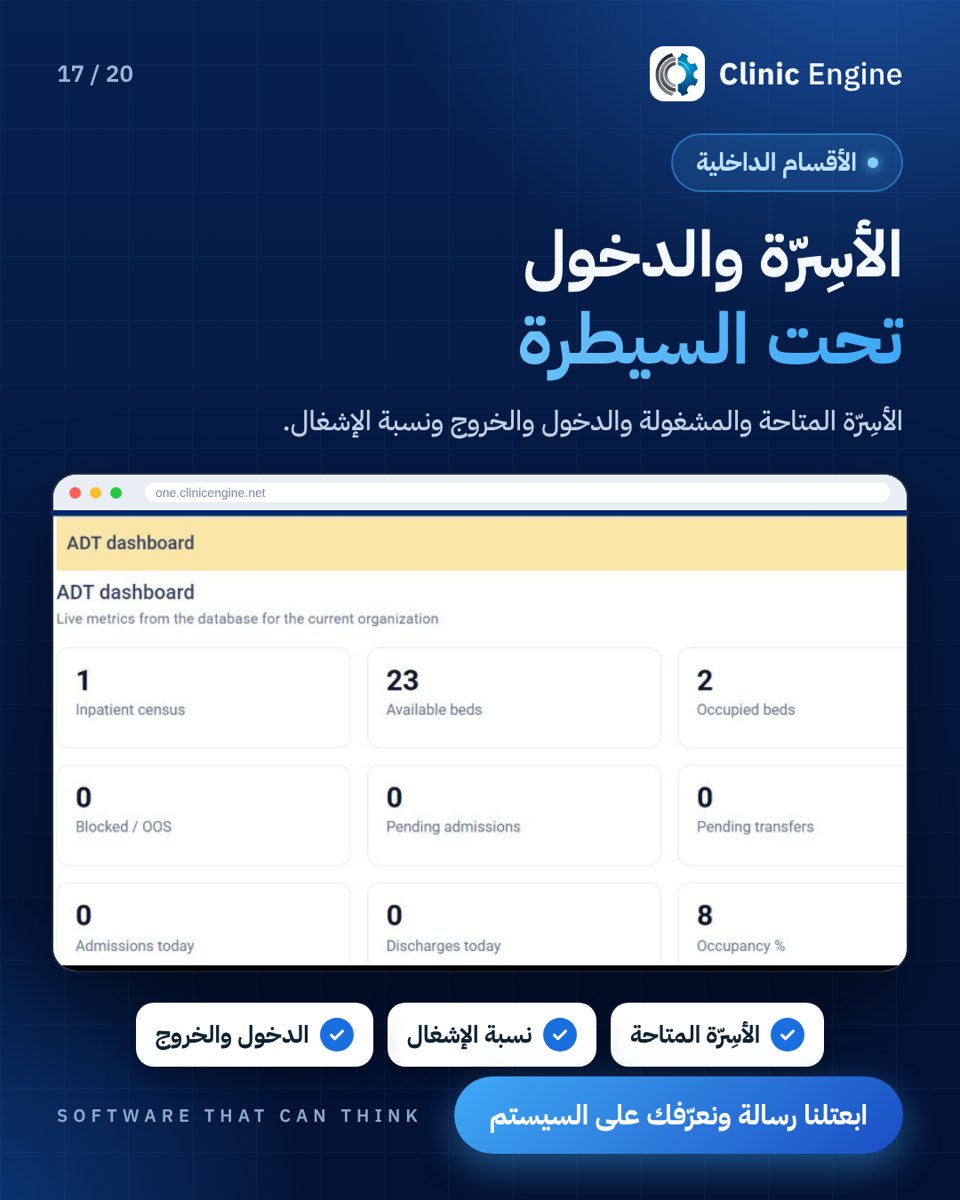 Beds and inpatient wards
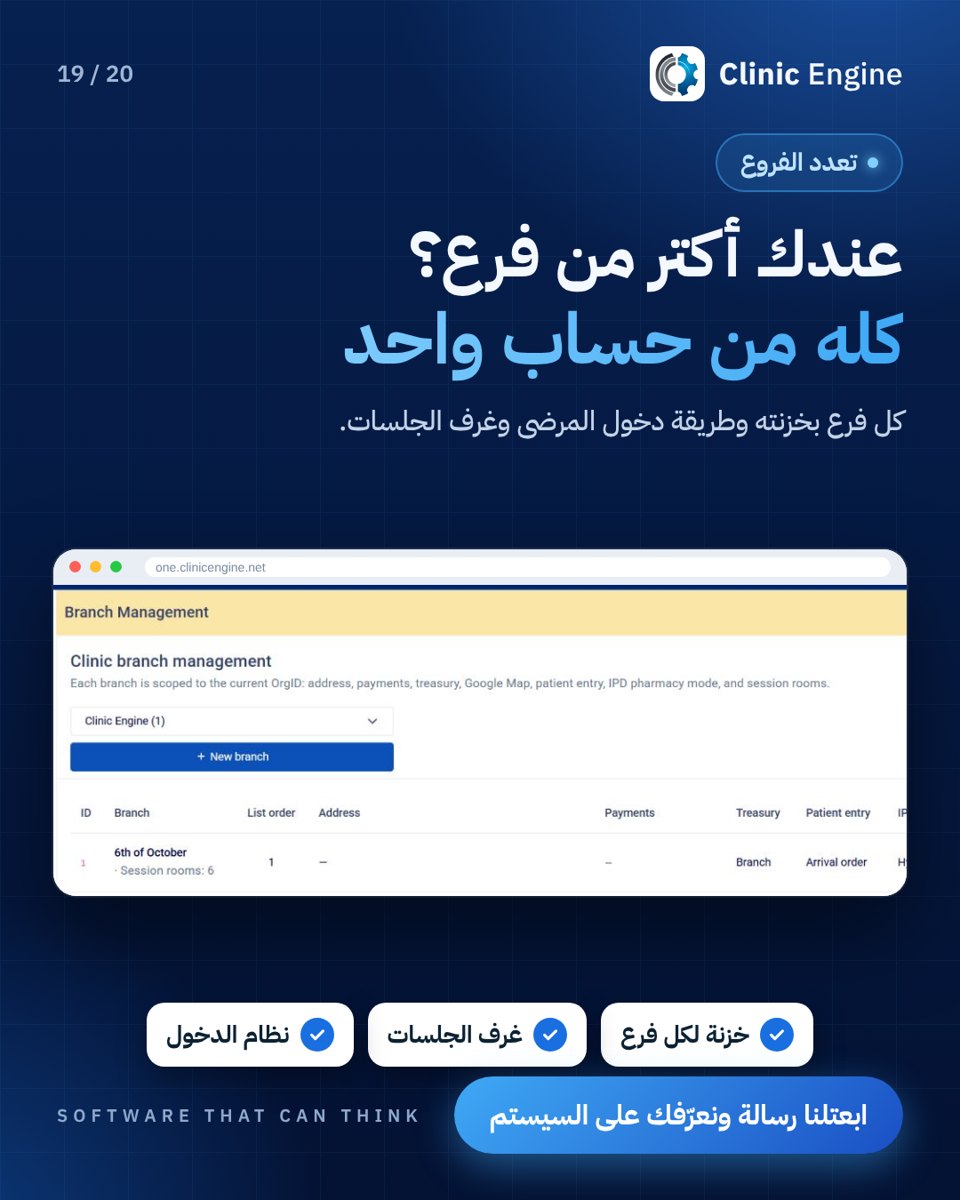 Branch management
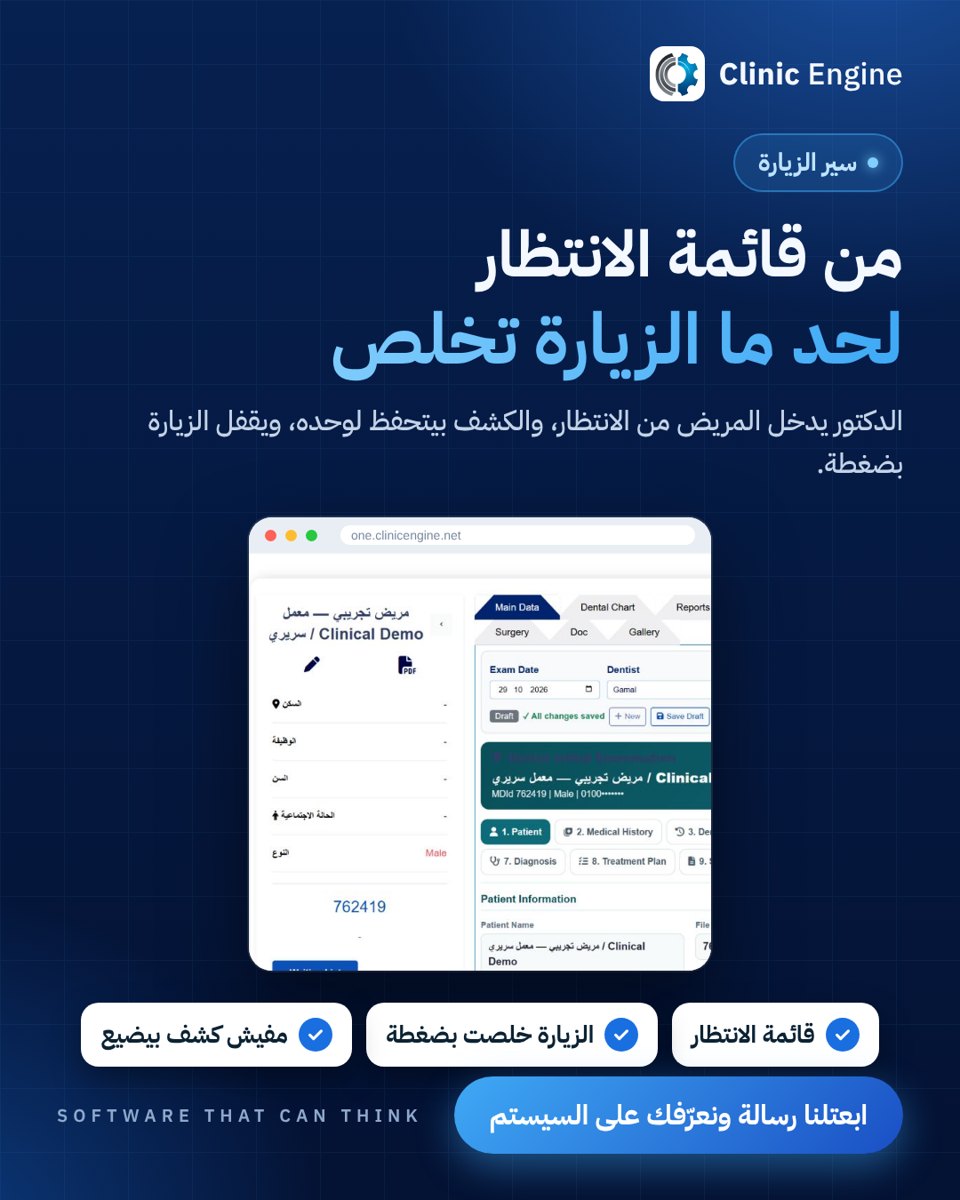 From waiting list to visit
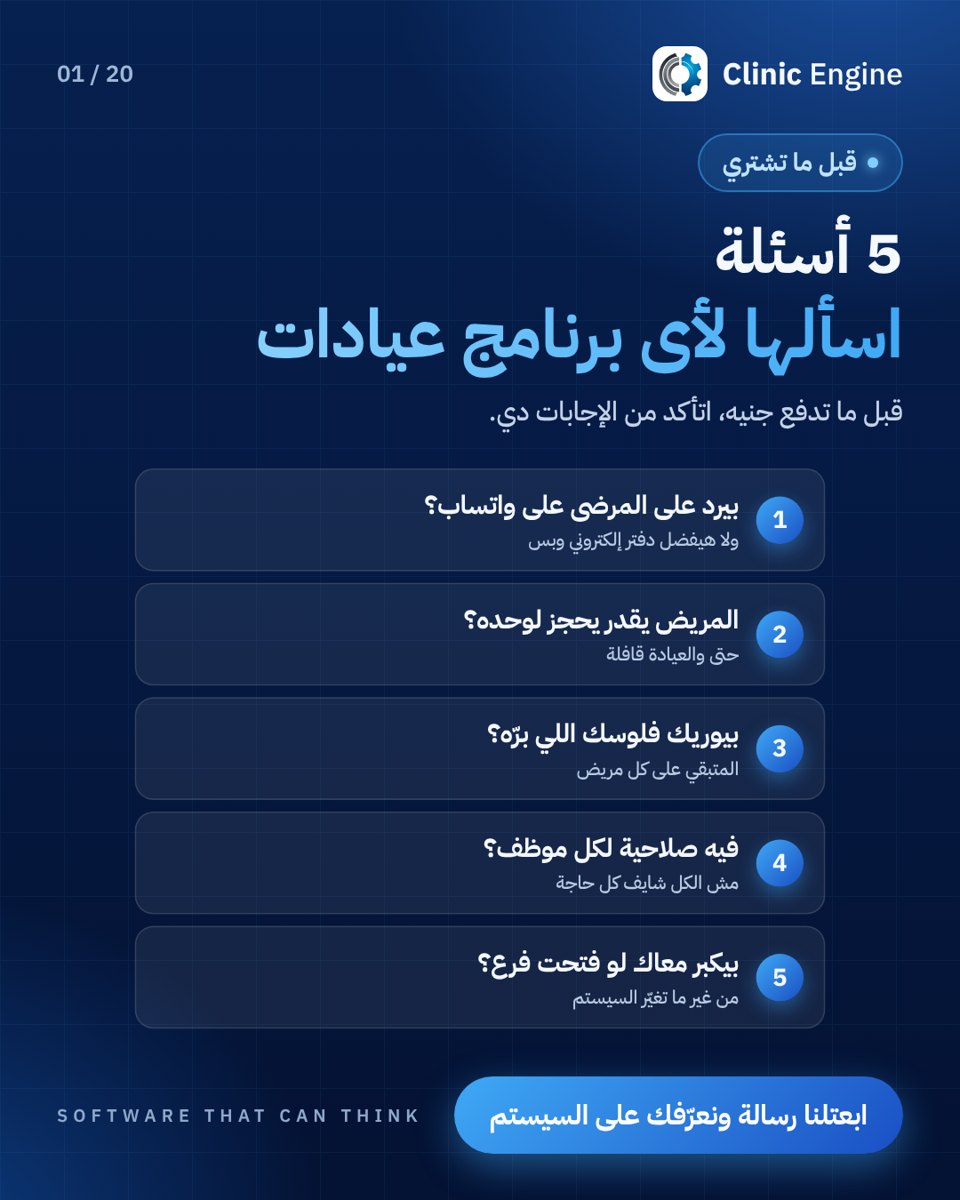 Questions for choosing clinic software
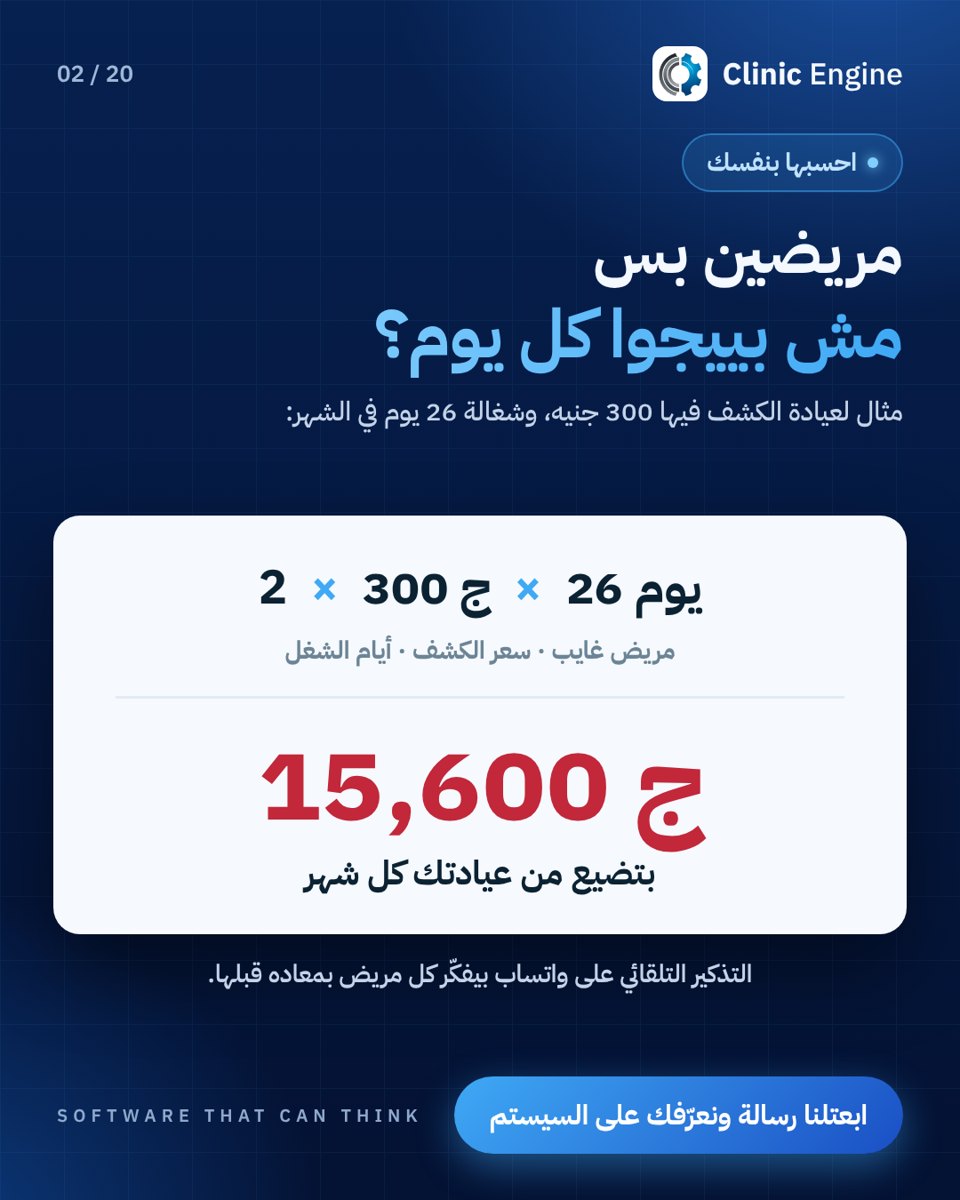 The cost of missed appointments
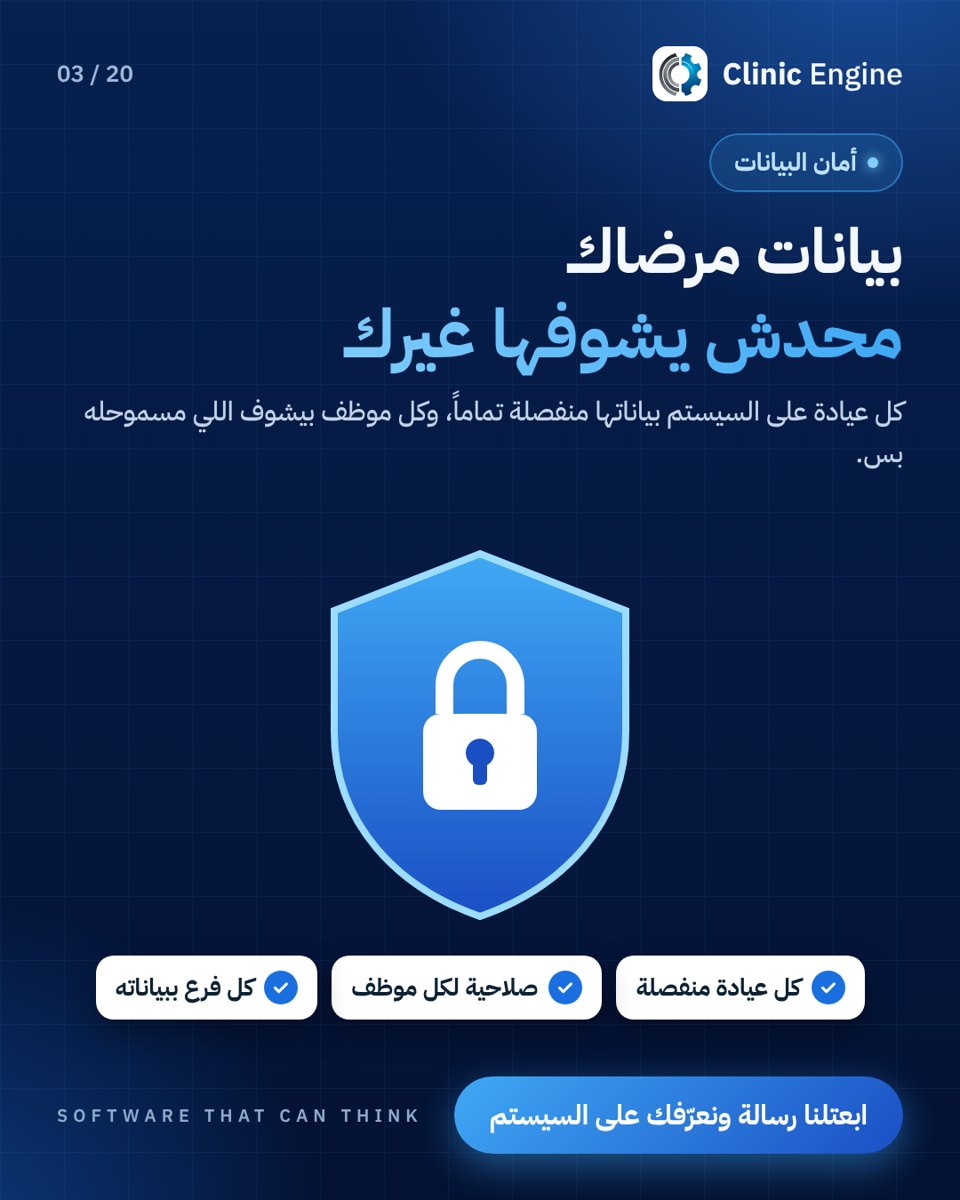 Patient data privacy
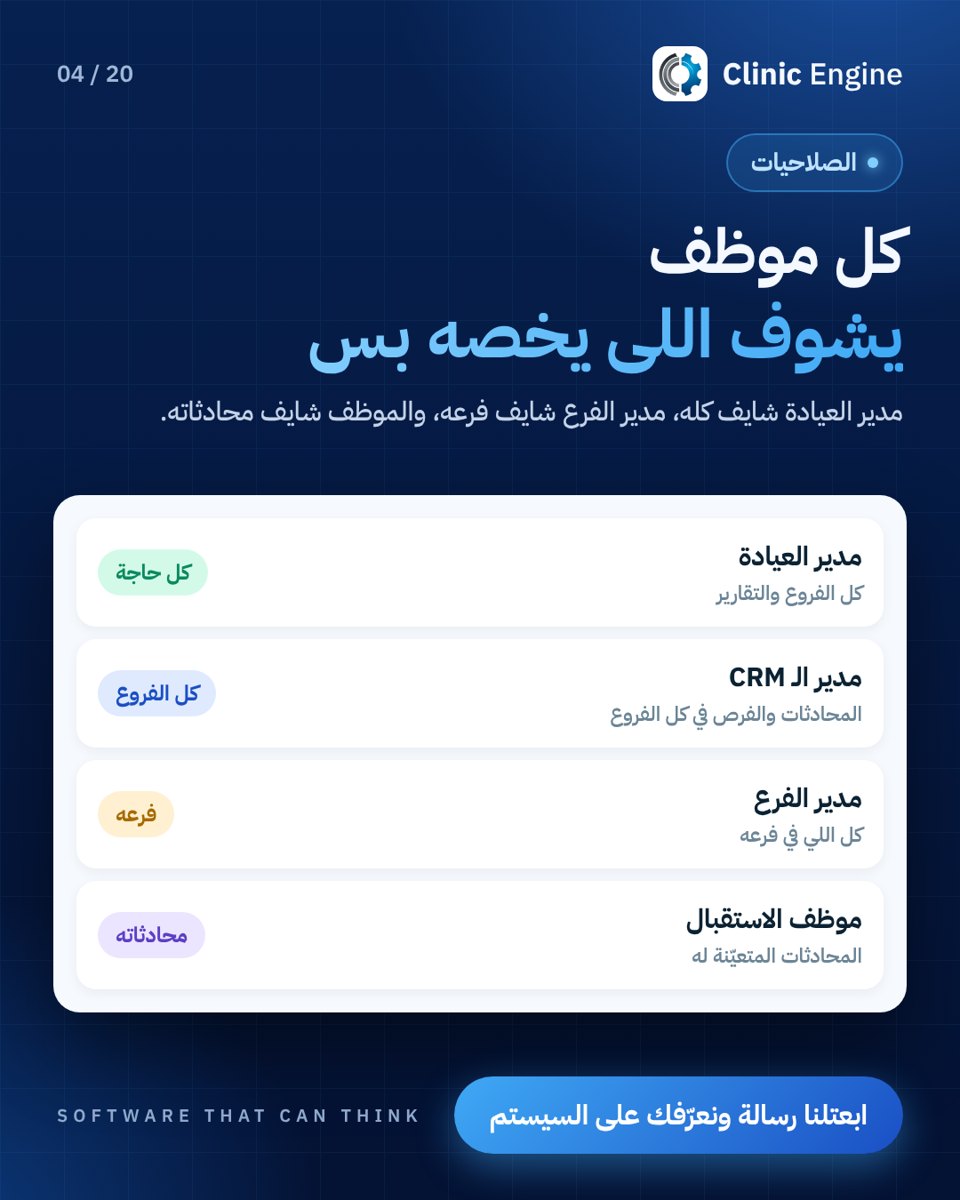 Team permissions
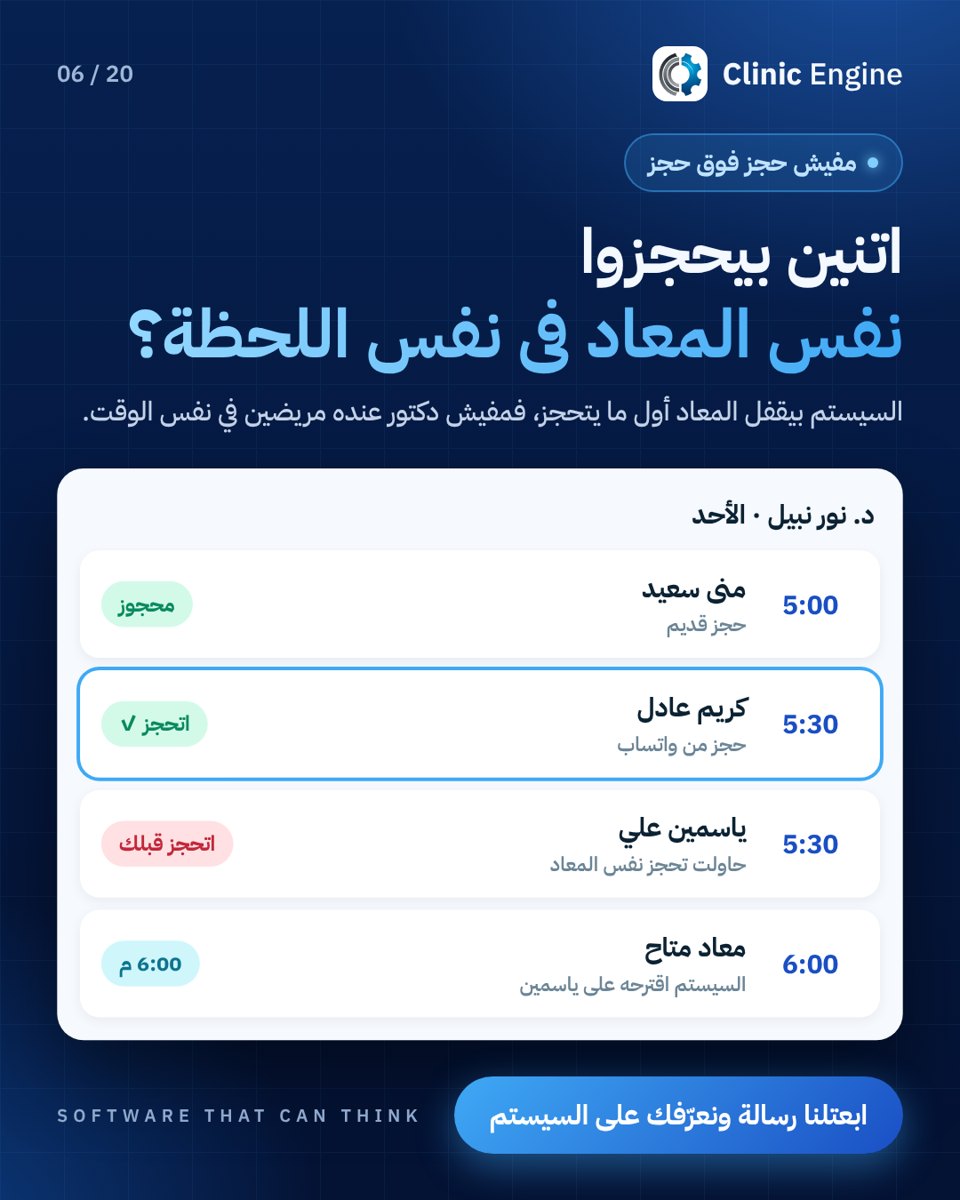 Coordinating simultaneous bookings
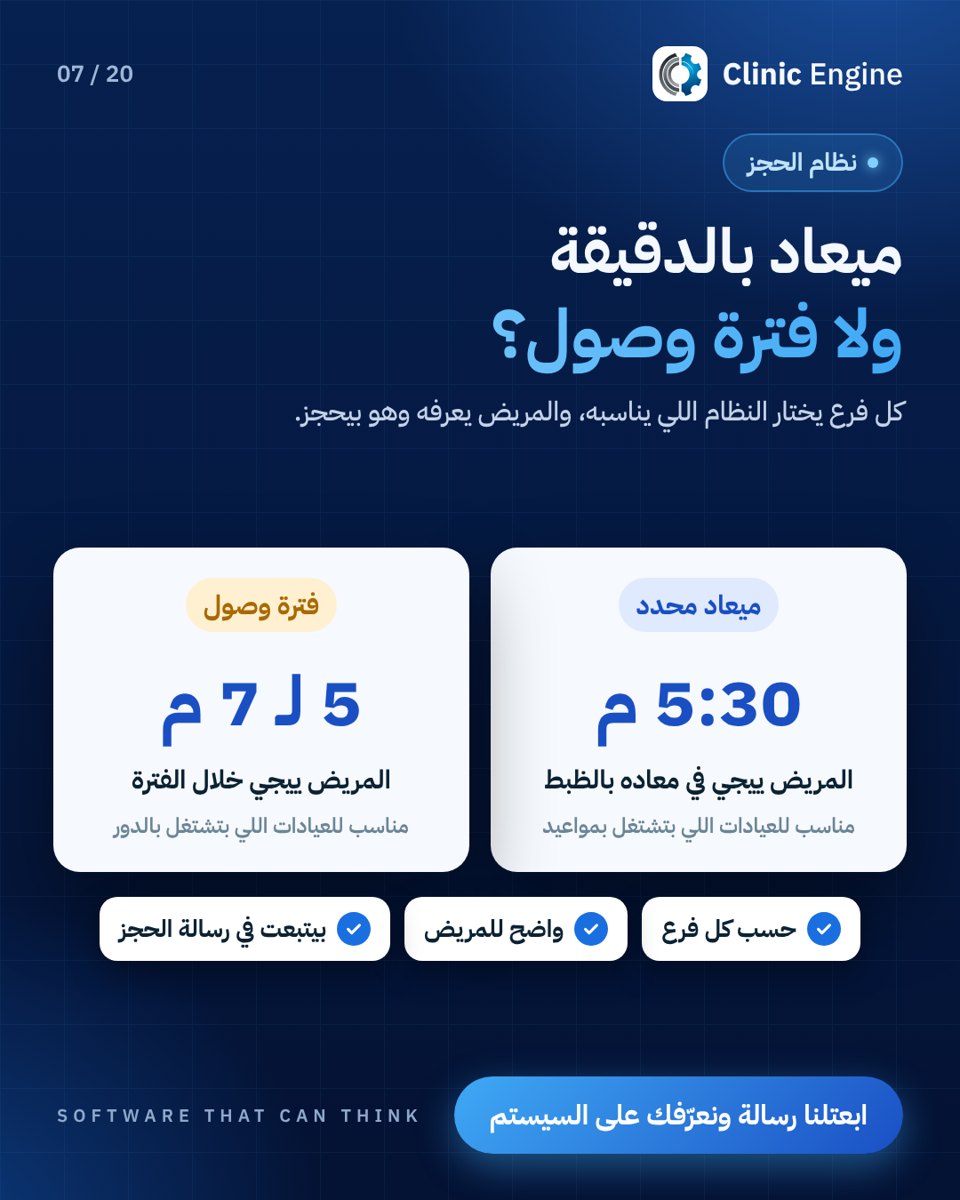 Appointment time or arrival window
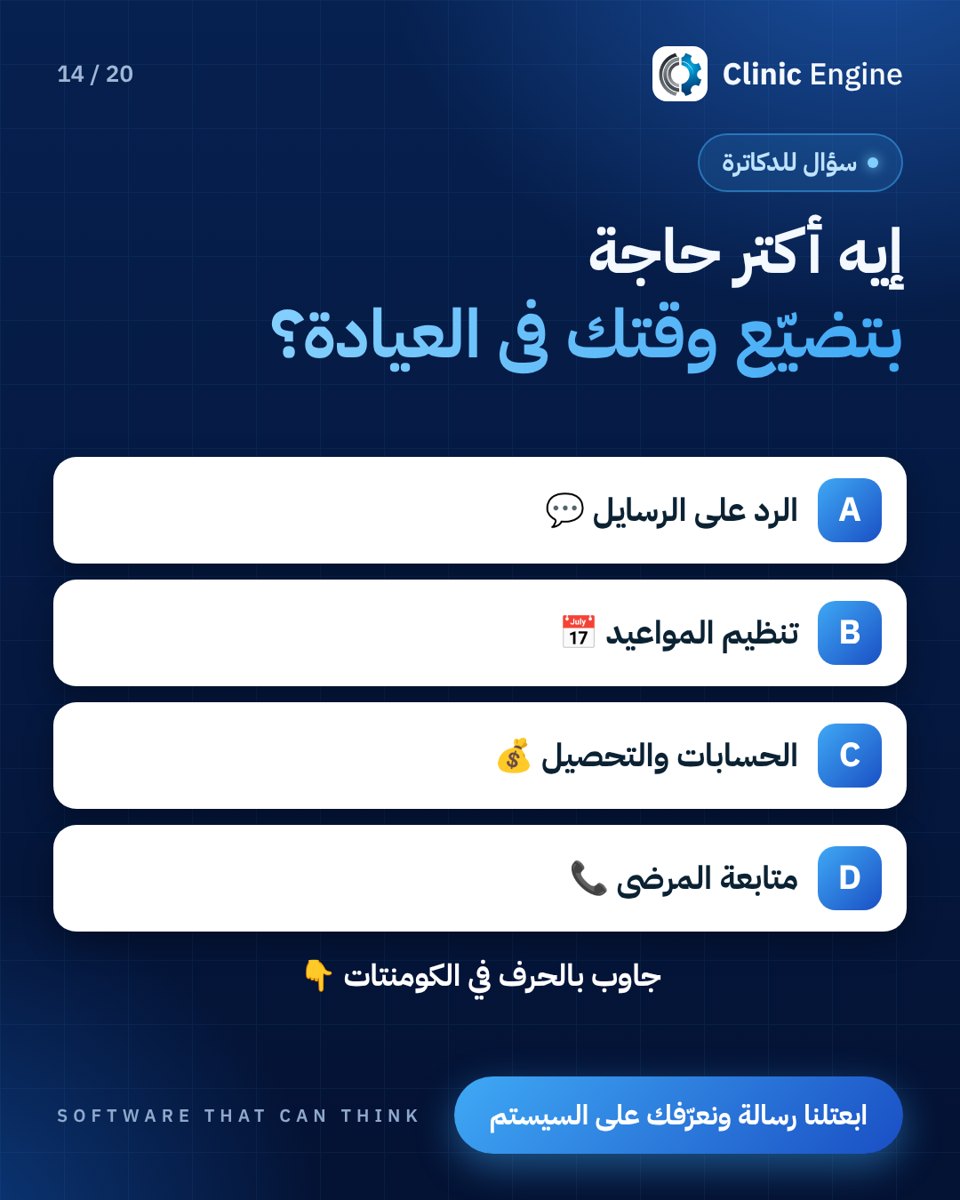 Clinic team time poll
 More time with the patient
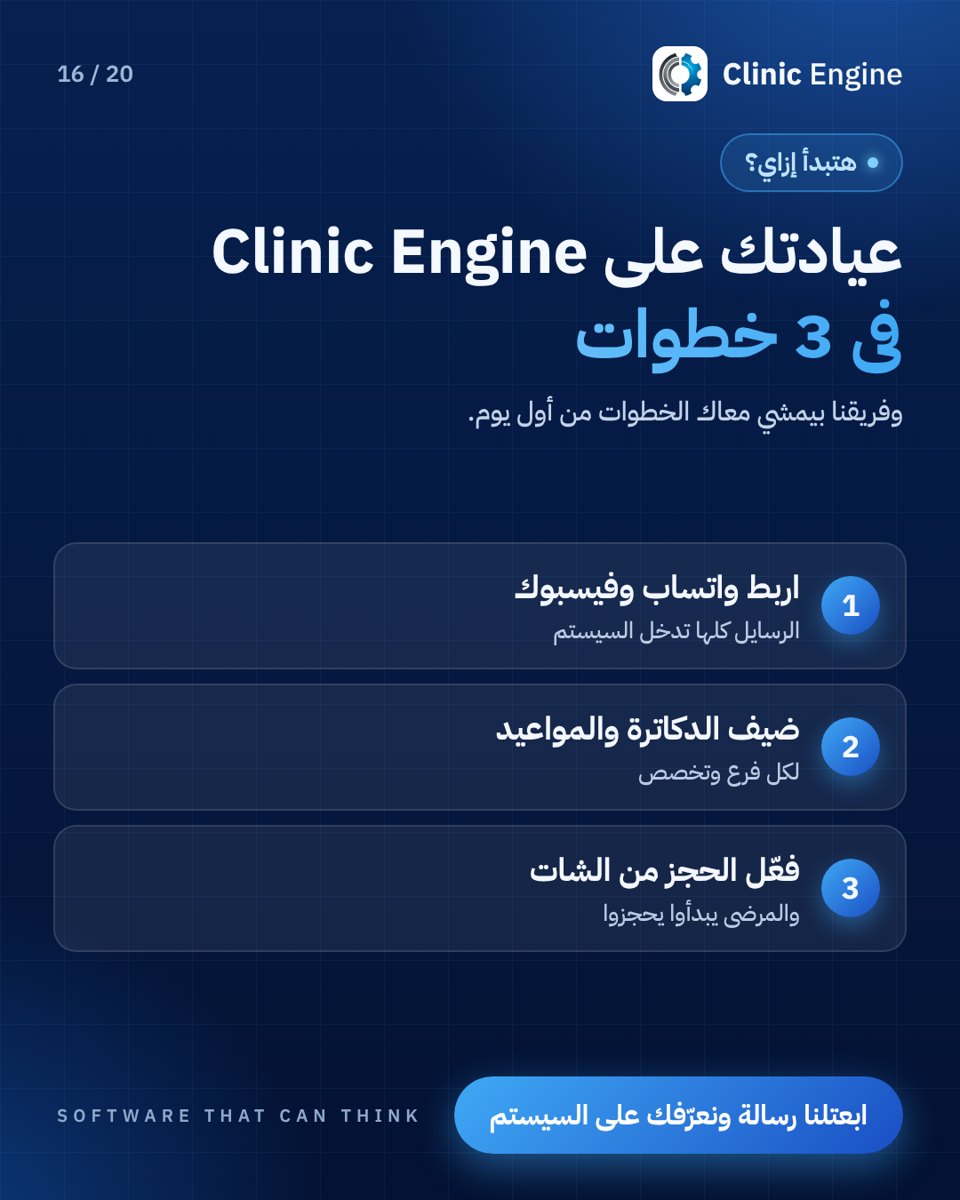 Clinic setup steps
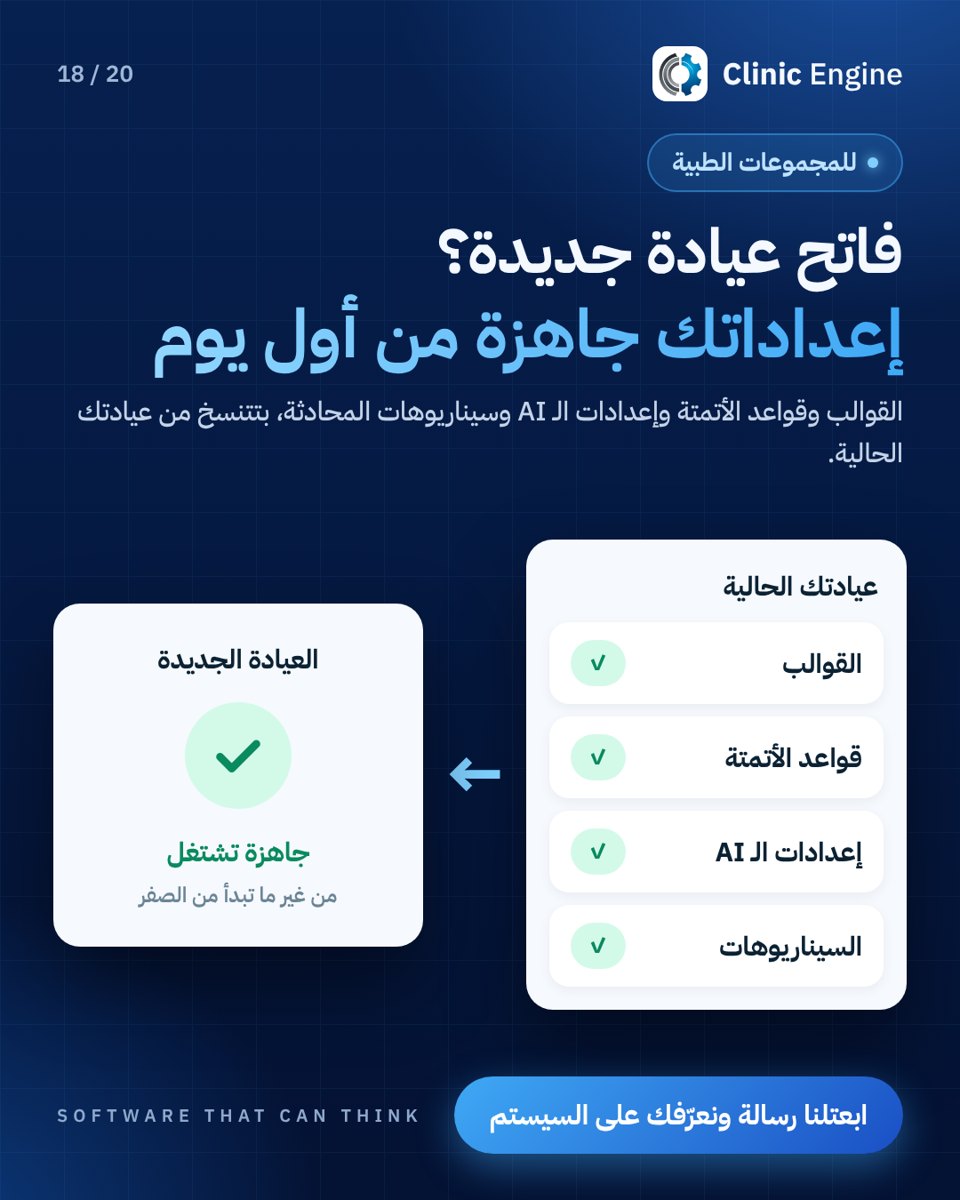 New branch setup
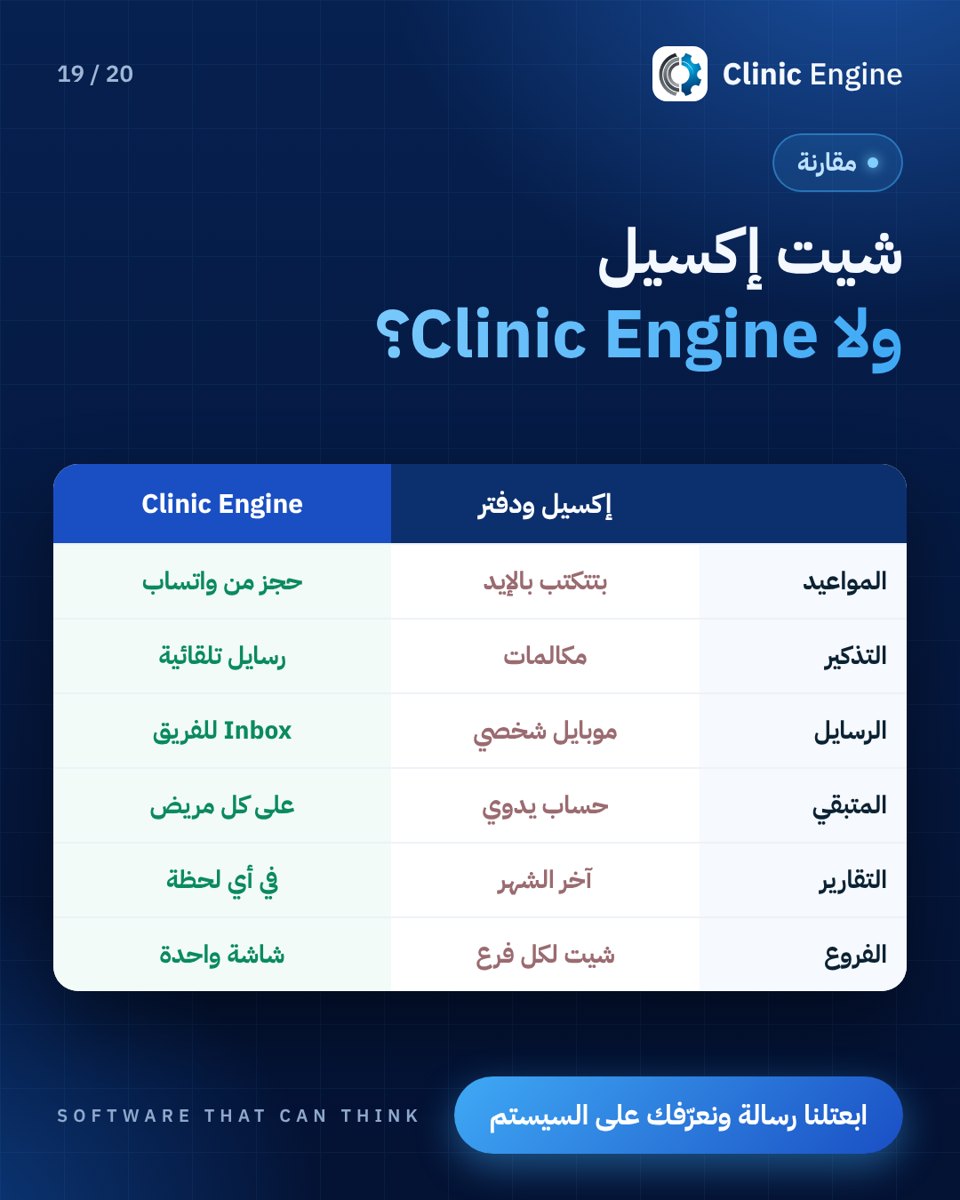 Organising work beyond spreadsheets
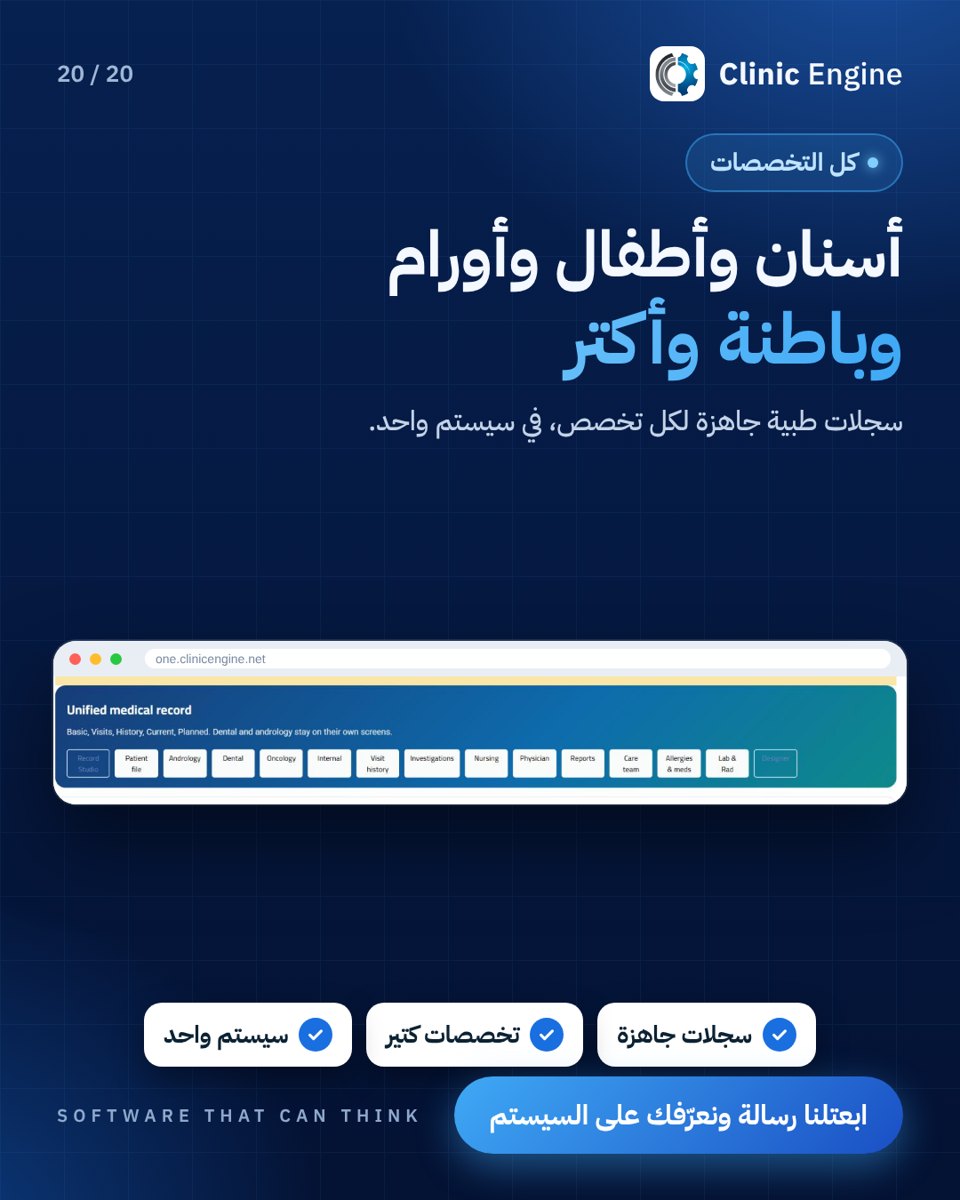
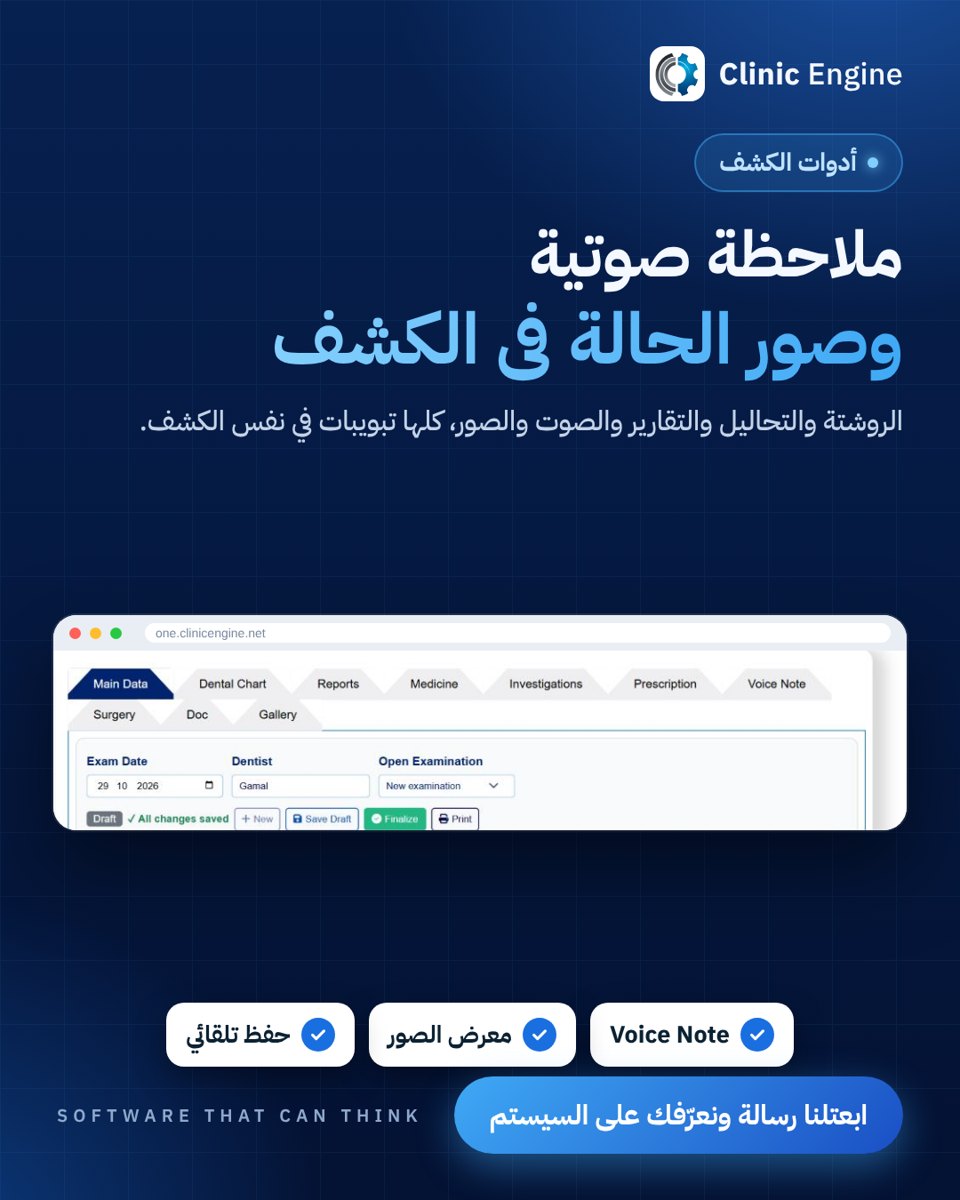
Clinical records and specialties (12)
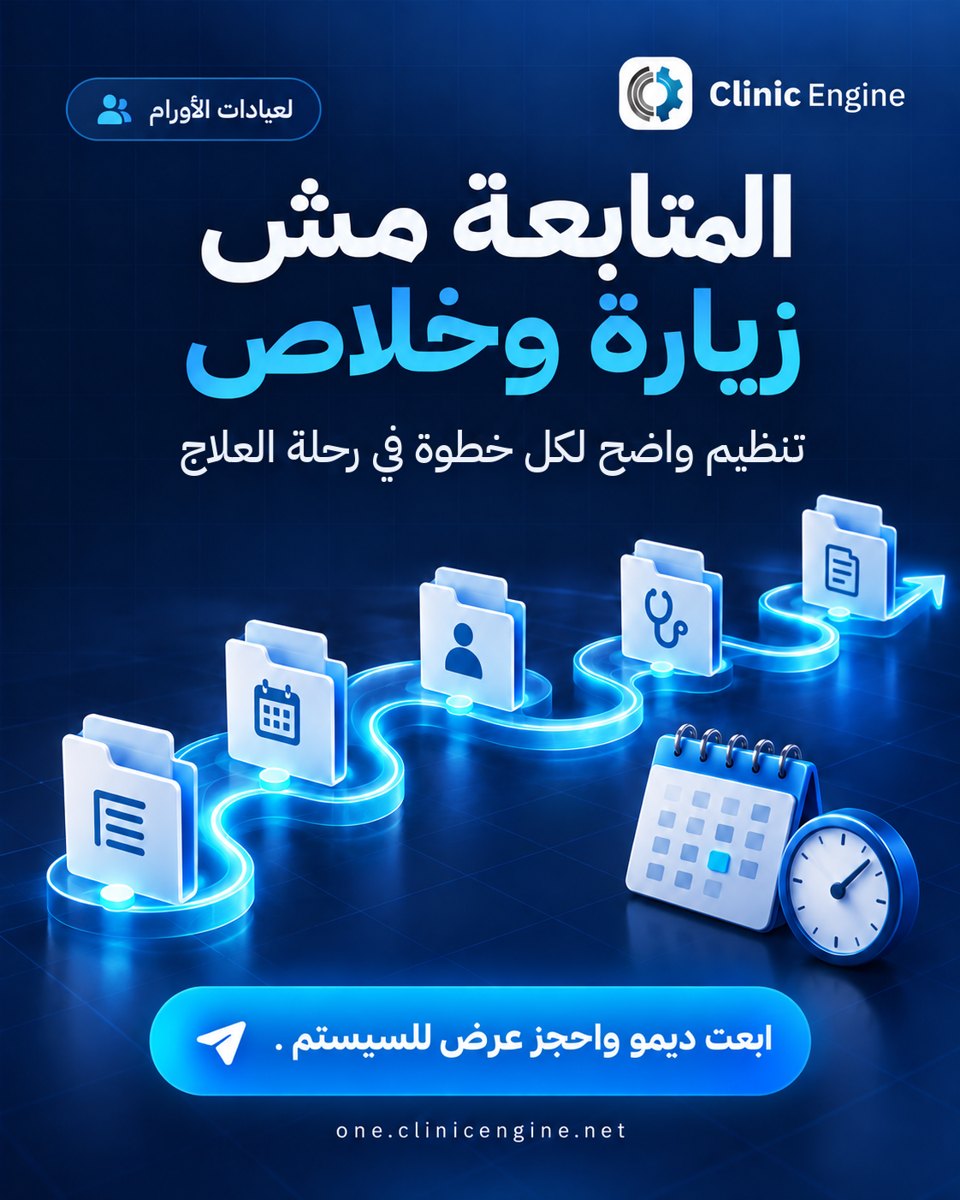
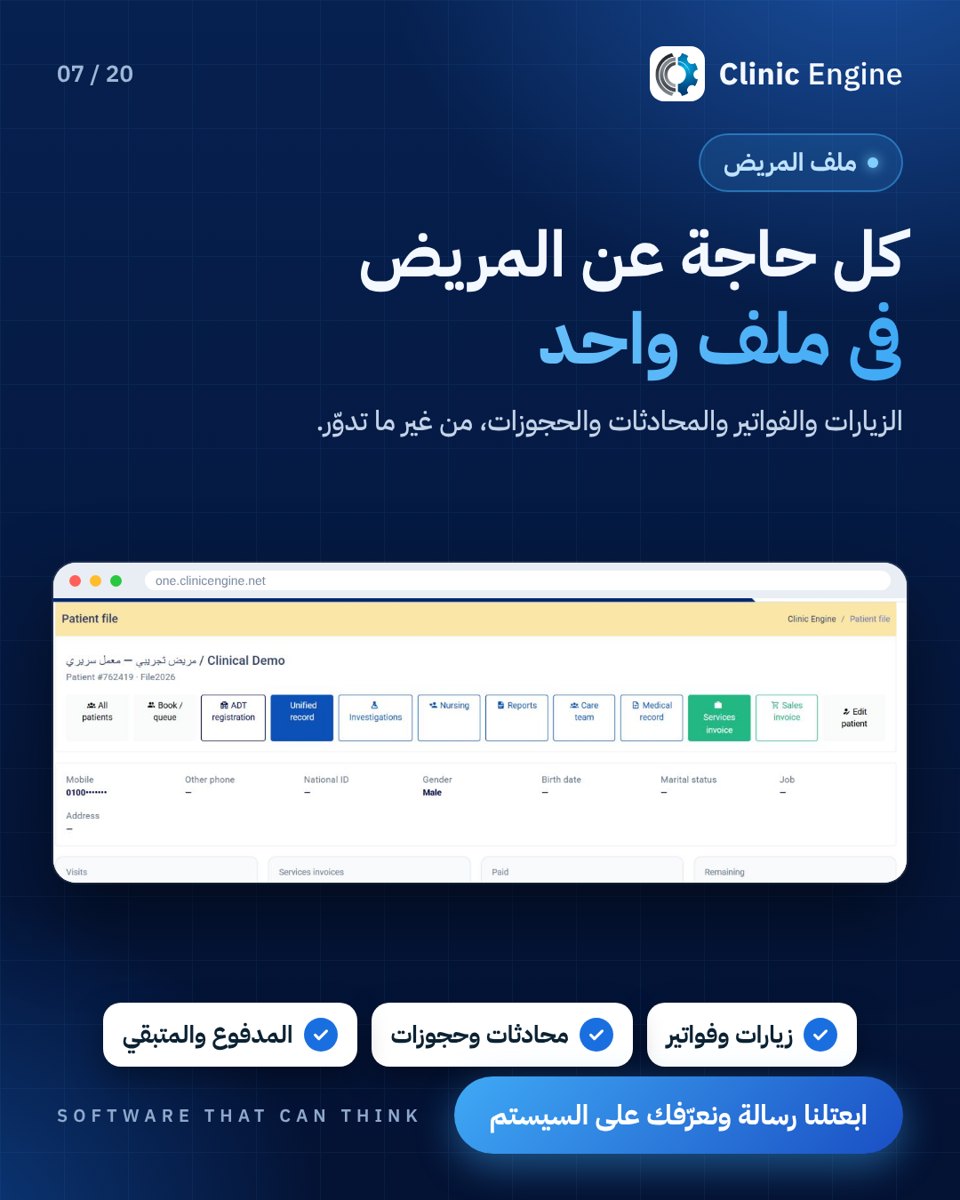
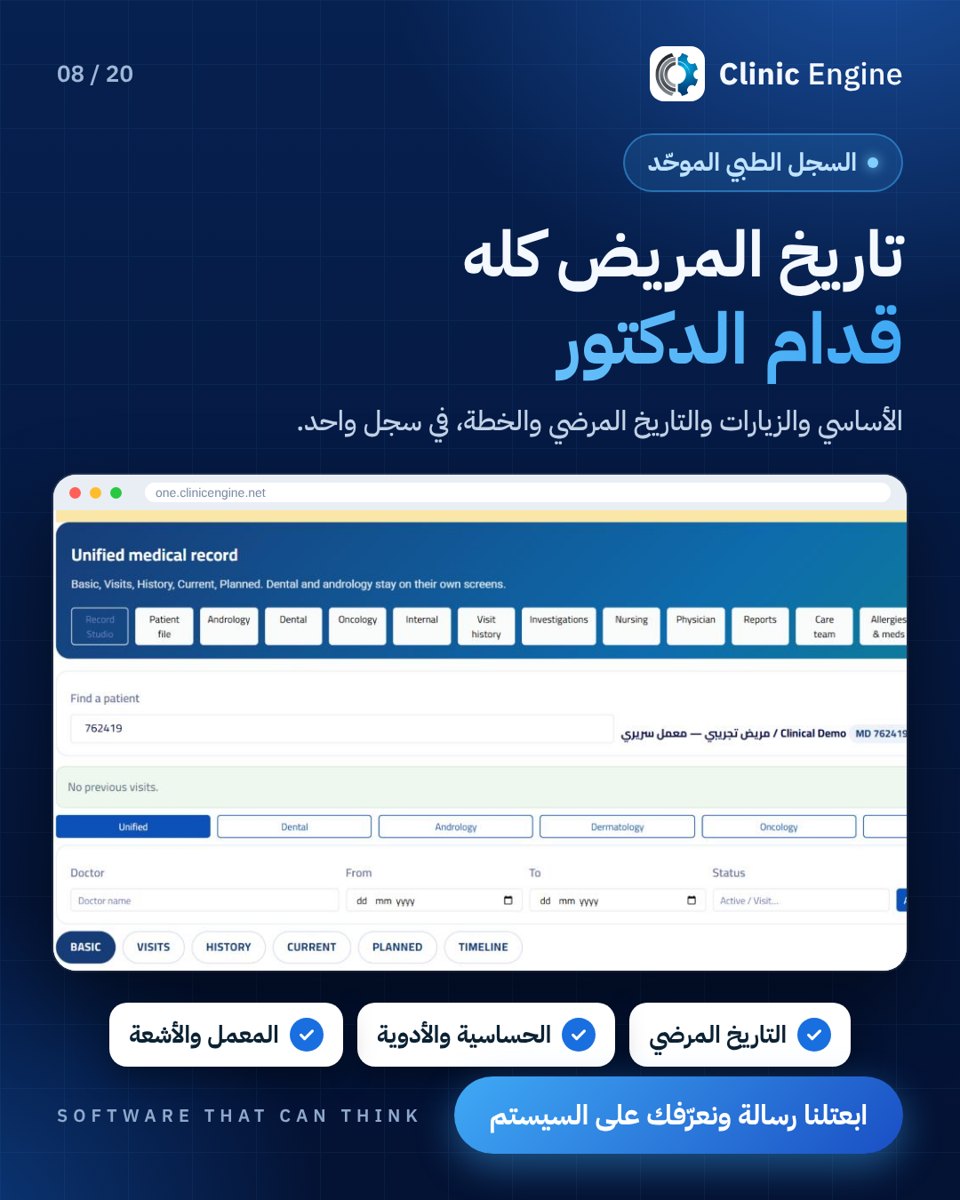



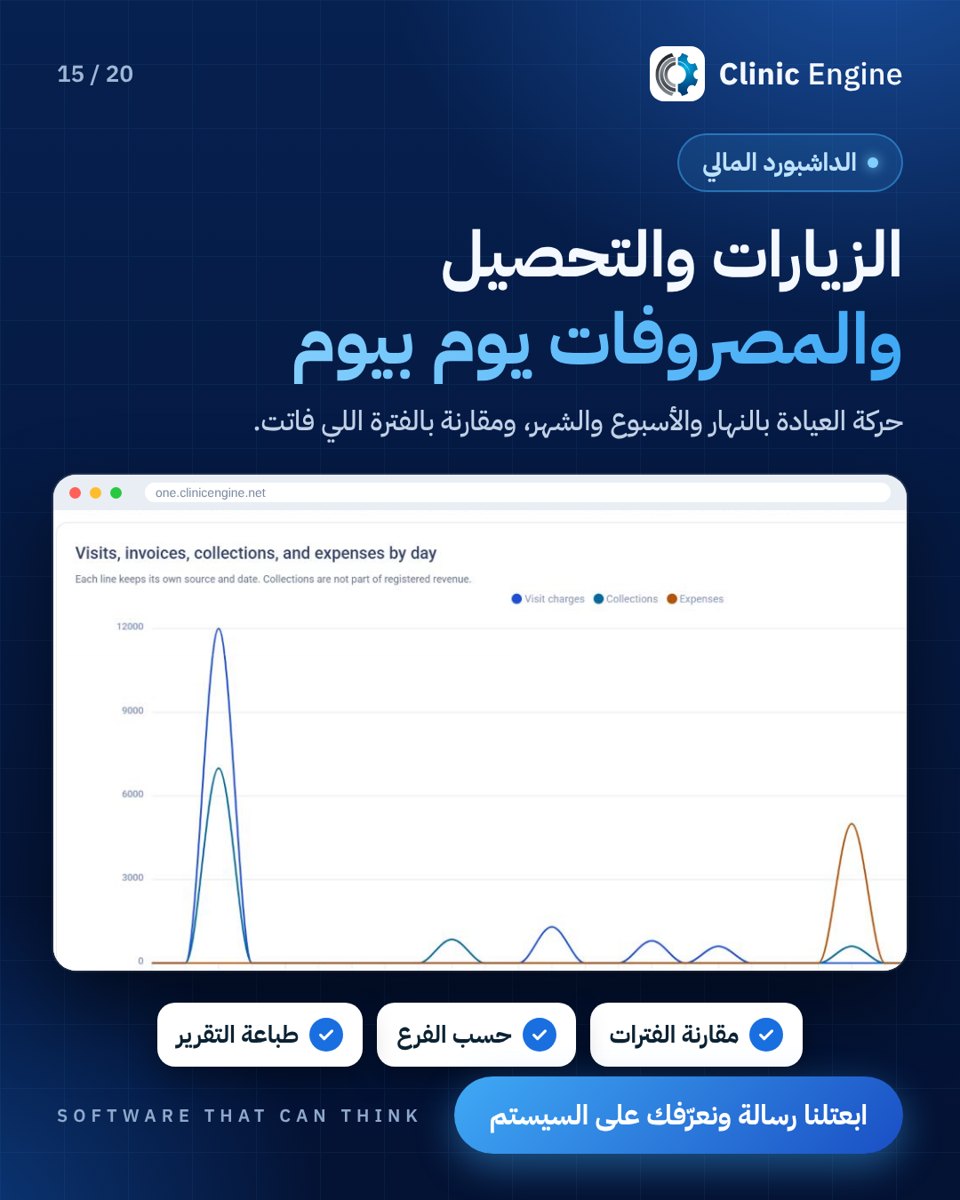
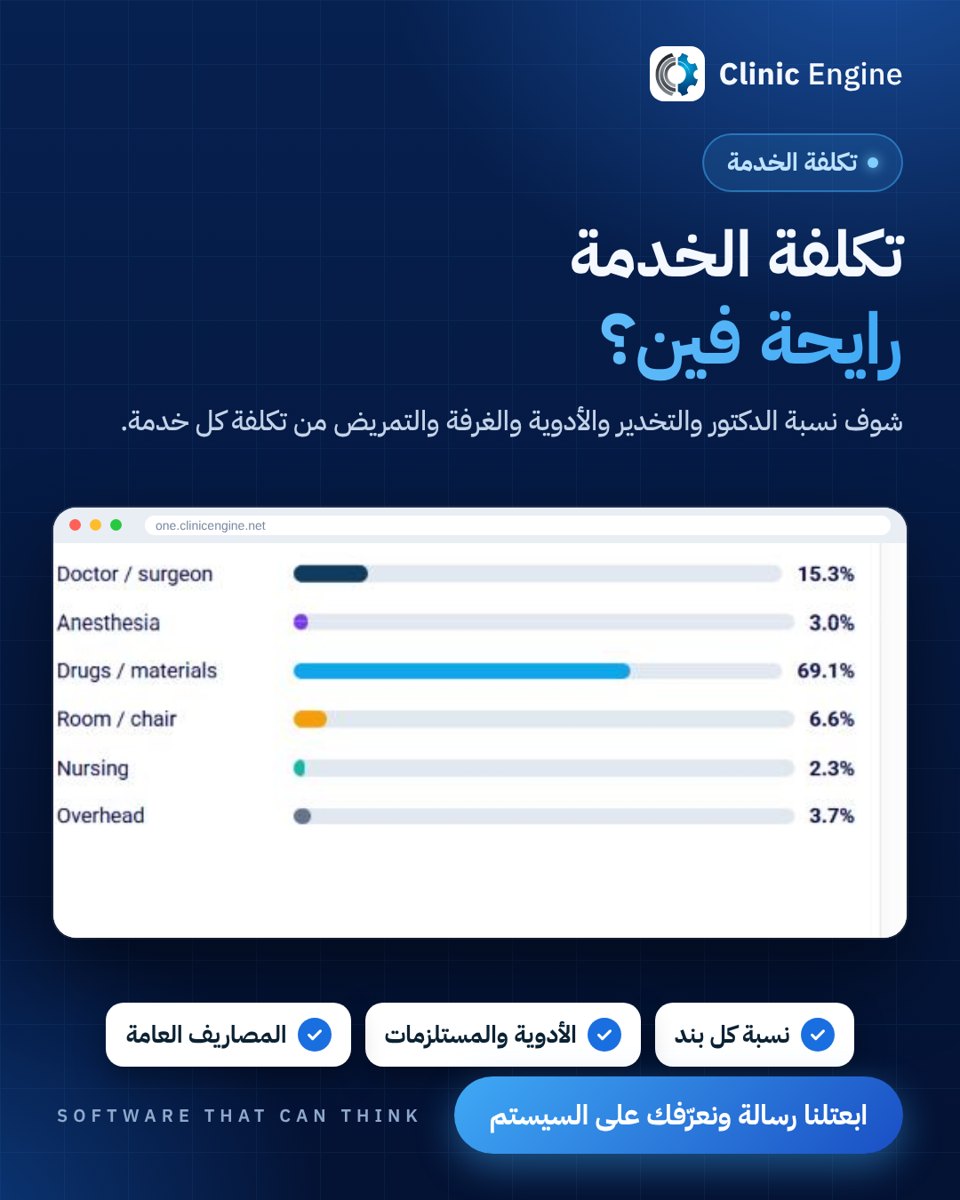
Finance and costs (5)
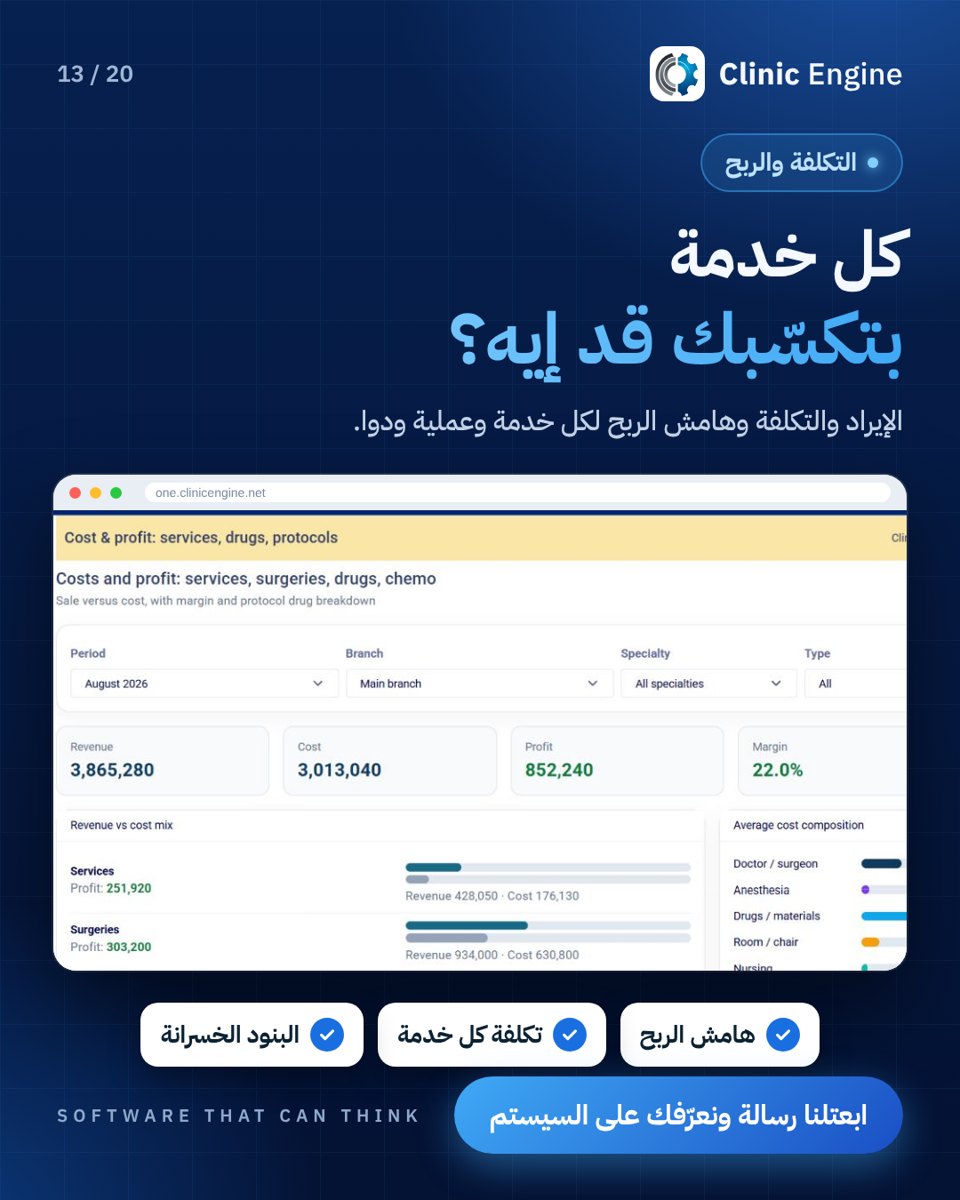
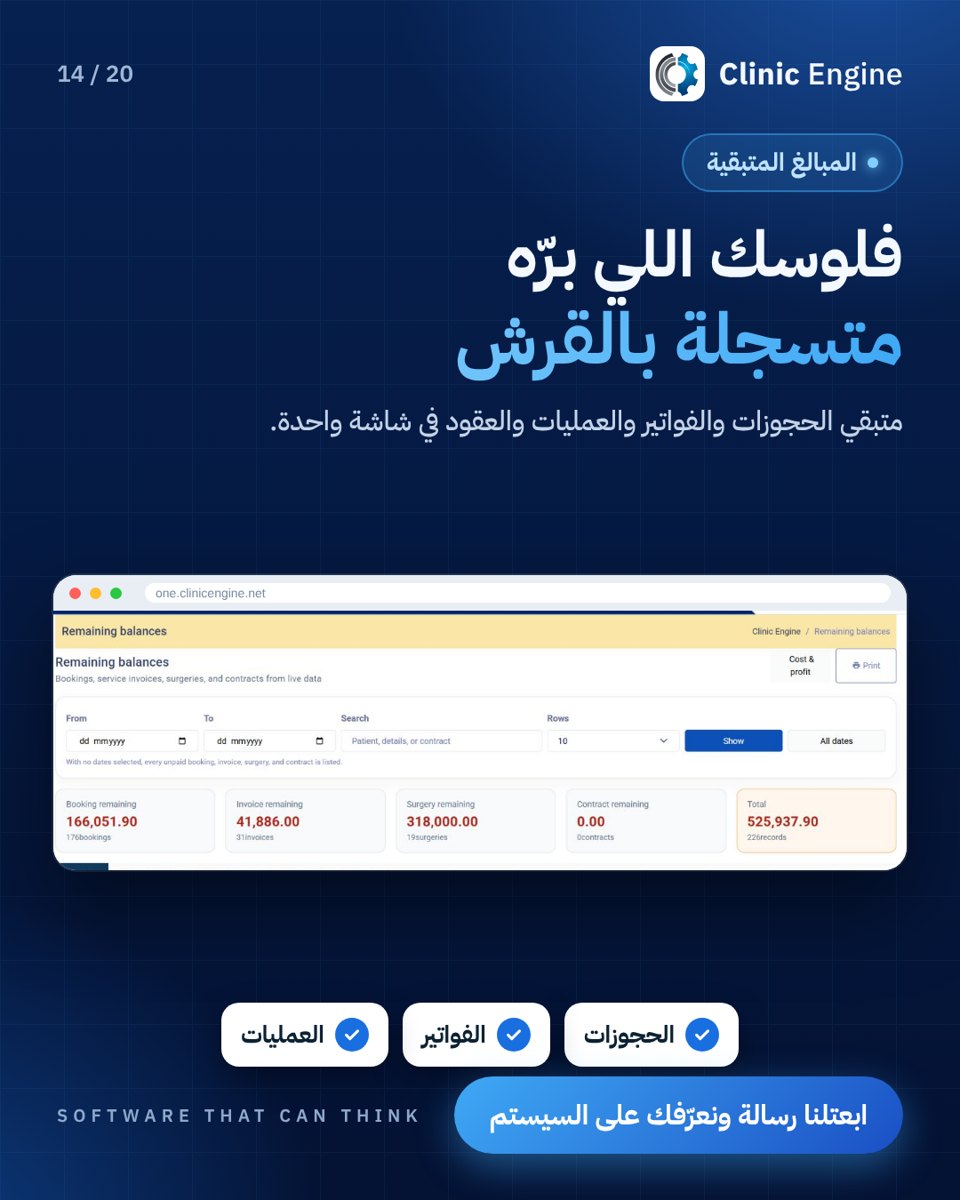




See Clinic Engine One
Mockup · Operations
Bookings and follow-up
Appointments, requests and team work.
Illustrative operations dashboardMockup · Conversations
Assign a follow-up
Sample conversation history and booking request.
Illustrative inboxMockup · Specimen tracking
Lab worklist
Sample specimen states and a result ready for review.
Illustrative lab worklistClient marketing portfolio
Illustrative sample · Laboratory visit carousel
An original, replaceable design covering questions before a lab visit. A client example can be added once its assets are cleared.
Illustrative laboratory visit coverLaboratory and imaging previews
The clinician’s workspace
From specimen intake to slide or study review, give clinicians the images, worklists and review tools in context. Where enabled, AI assists with drafting or research review, with the specialist reviewing the output.
Clinical laboratory
Connect orders, specimens and results. Check processing and approval status before delivery.
Follow the specimenDigital pathology
Zoom into a slide, mark an area of interest and keep measurements and notes in the case context.
Explore the slide viewerRadiology and PACS
Open a study and its series, then review your notes and draft report in the enabled workflow.
Explore the study workflow